
Due to network restrictions, WordPress installed on servers within China cannot directly install plugins from the Admin Dashboard or use online updates. The previously shared429 Too Many Requests error solutionwhile effective, is still too cumbersome. The Kill 429 Plugin can perfectly proxy plugin installations.
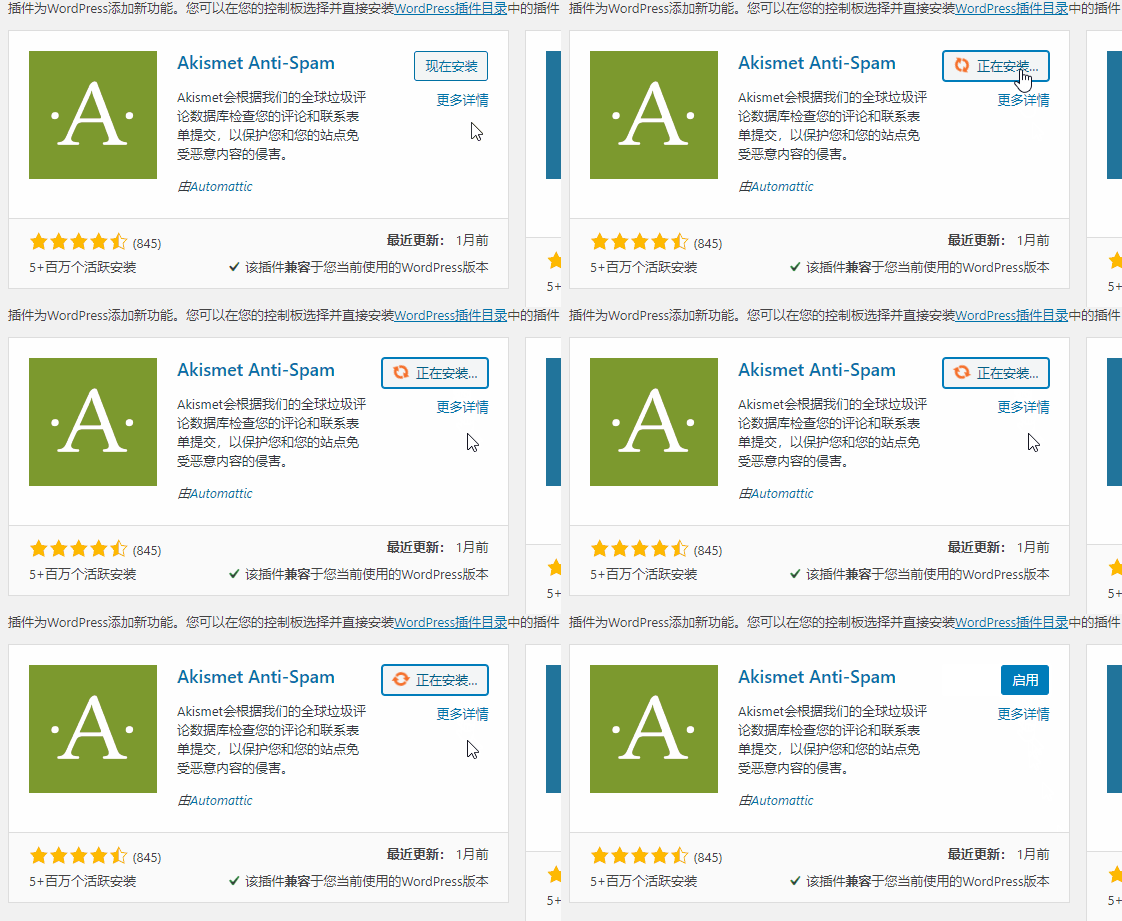
Kill 429 solves the problem of domestic servers being unable to directly install WordPress plugins and perform online updates through the backend by using a proxy server for installation.
The workflow is: domestic server sends request > proxy server receives request and downloads > transmits data back to domestic server
The plugin uses Alibaba Cloud Hong Kong server by default. Due to user traffic and network issues, it may be unstable. You can set your own proxy server address (please search for the method yourself).
V1.1.0 Update:
- Added CDN mode + NG reverse proxy to improve the success rate of connecting to WordPress servers;
- Added server nodes, providing three server nodes in Japan, the United States, and Hong Kong;
- Removed the official default traditional proxy server mode, retaining only the webmaster's custom proxy server mode.
Naiba Tip:The first installation attempt after activating the plugin might also fail; try installing again and it should be OK.
Similar Plugins:
If you find Kill 429 not particularly easy to use, you can alsoTry the WP China Yes plugin。