
WeBuild a Website, during its operation, we inevitably encounter situations requiring surveys. So, how do you add a questionnaire to a website? This article shares two usefulWordPress survey pluginsand online survey tools.
WordPress Survey Plugin Recommendations
UseWordPress installationOne advantage of using WordPress to install a website is the abundance of plugins. You can search the WordPress plugin repository for various useful plugins. For survey plugins, Naiba tested several and ultimately recommends Quiz And Survey Master and Quiz Maker. (Another one, HD Quiz, also looks quite useful, but unfortunately has compatibility issues preventing question saving.)
Quiz And Survey Master
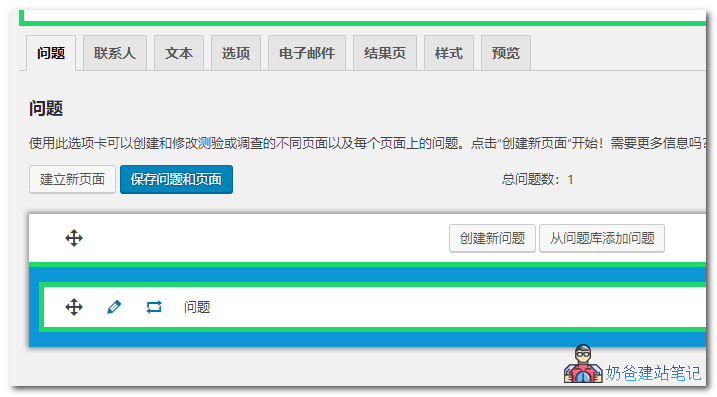
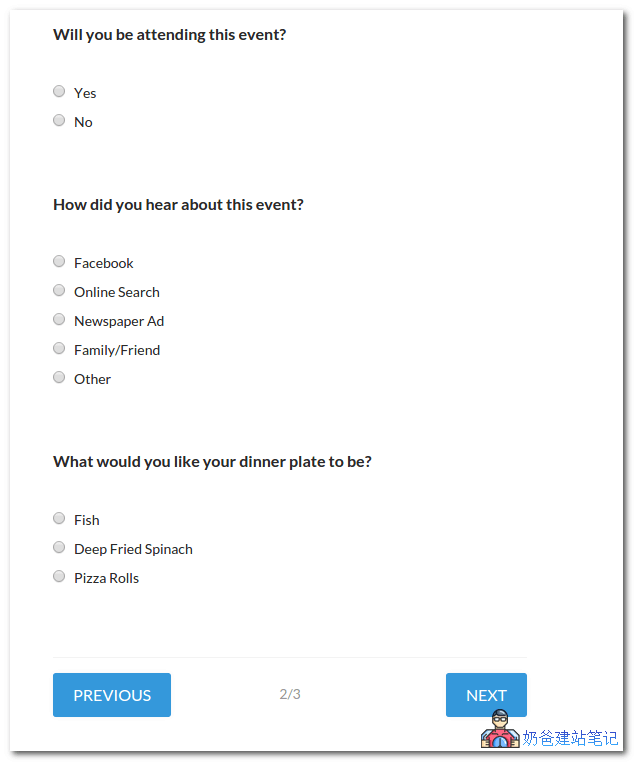
Quiz And Survey Master has over 20,000 installations, with the majority of 5-star ratings. With Quiz And Survey Master, you can easily create user surveys, and all survey questions can be customized.
Survey question results can be single choice or multiple choice, yes or no, answer questions, dropdown selection, multiple selection, number input, verification, and other types of question options.
Other Useful Features
- Allows users toSocial NetworksShare results on
- Display all questions on one page, or show only one set of questions per page
- Require user login
- Schedule when to conduct a quiz or survey
- RequirementAnswer some or all questions
- Limit the total number of entries for a quiz or survey
- Can set the number of attempts a user must take for a quiz or survey
- Can be enabled for each question and/or comment section at the end of a quiz or surveyComment box
- Can enable questionsTip
- Can show users why an answer is correct
- Questions can be arranged in a predetermined order or randomized
- Track the time users spend on a quiz or survey
- Ability to set a time limit for a quiz or survey
- Create and display mathematical formulas
- 和ManyMore...
Quiz Maker
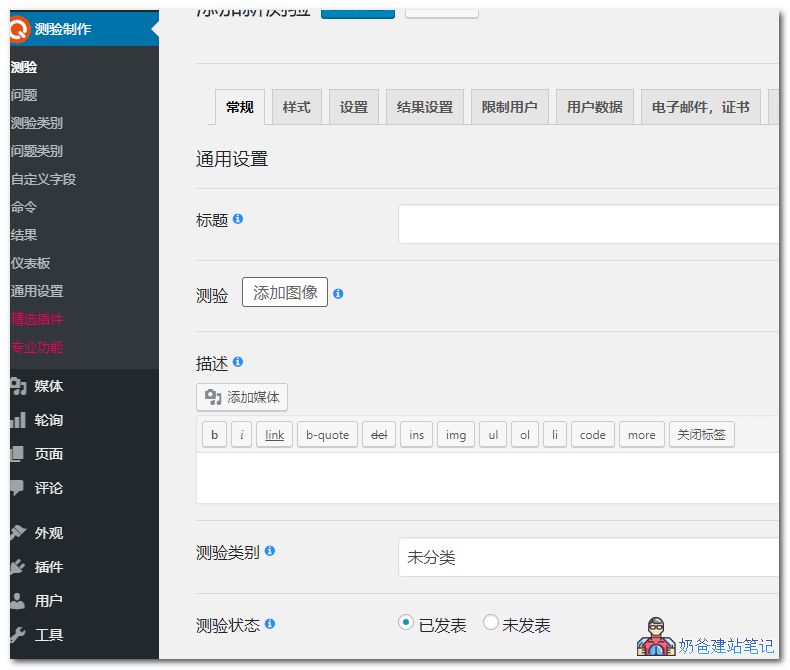
Quiz Maker has similar functionality to Quiz And Survey Master above, but it feels even simpler to use.
First, create questions in the question bank, then create a survey page, and insert questions from the question bank on the page. Then, on the front end of the website, you can insert them using shortcodes.
Features
- Unlimited Quizzes
- Unlimited Questions
- Results Table
- Question Images
- Quiz Styles (width, height, color, background, etc.)
- Random Questions
- Random Answers
- Only for logged-in users option
- Show Correct Answers
- Text for Correct/Incorrect Answers
- Timer
- User Data Collection Fields
- Style Preview
Psychological tests & quizzes
Psychological tests & quizzes is a survey plugin that supports the Chinese language, making it easier for Chinese users to use.
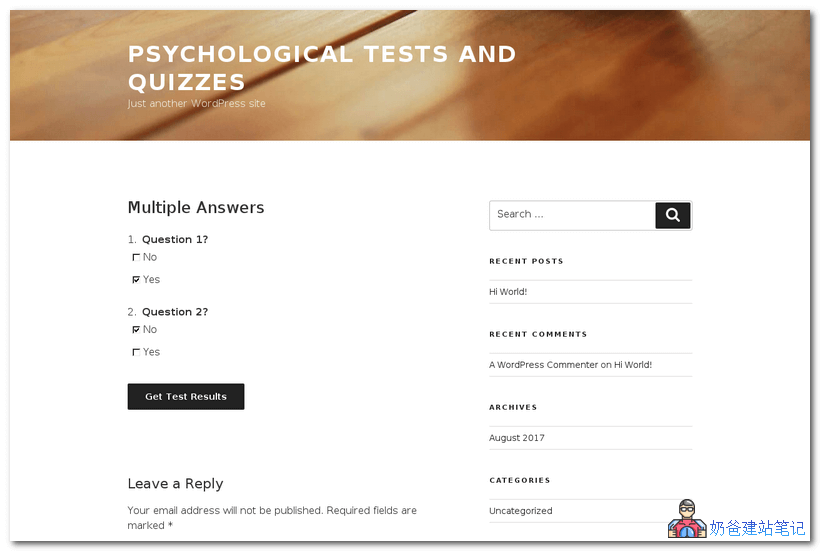
Create typical or advanced psychological tests (quizzes, assessments) with questions and answers. Respondents answer and receive results.
Respondents can
- View published tests on the homepage or their own URL
- Pass the test by answering all questions
- Run the test on a single page, or test one question per step
- View progress in the browser title
- Obtain their personal results on an independent page after running the test, and share them
Logged-in respondents can
- View past history in the personal area
Test authors can
- Create and edit tests in the test editor (like a post editor)
- Manage related and required test scales/results/global answers
- Edit result/scale descriptions (with the
visual-term-description-editorhelp of the plugin, visual mode can be used) - View and filter test passes
- Reorder scales/results/global answers
- Edit formulas using the formula editor
- Use the total score by scale as a formula variable: Extraversion > 50%
- Use answers to specific questions as formula variables: question_5_1 or question_9_7.
- Quickly fill questions from a combination of text and scores/scales
- Customize test page options
Online Survey Tools
For websites that only occasionally use a single questionnaire, installing a plugin yourself to implement it is clearly not a scientific method. In this case, Naiba recommends considering online survey tools. The recommended ones are listed below.
- Tencent Questionnaire https://wj.qq.com/
- Wenjuanxing https://www.wjx.cn/
- Wenjuanwang https://www.wenjuan.com/
- MikeCRM http://www.mikecrm.com/
- Fanqier Form https://fanqier.cn/