
As a foreign trade company, corporate email is essential, and this service becomes increasingly important as the business develops. Unlike servers, which can be changed at any time, switching between different corporate email service providers results in a vacuum period of several to dozens of hours during which emails cannot be used. If business volume is high, emails may be lost.
Therefore, it is very important to choose a reliable and stable corporate email service from the beginning. Naiba has recommended free ones for everyone.Tencent Enterprise Email. This article recommends the paid version of NetEase Enterprise Email.
NetEase Corporate Email also has a free version, but the free version does not support SSL; only the paid version does. So Naiba did not recommend the free version of NetEase Corporate Email.
Tencent's free corporate email requires registering an Enterprise WeChat account, while NetEase does not require binding WeChat. Choose according to your needs.
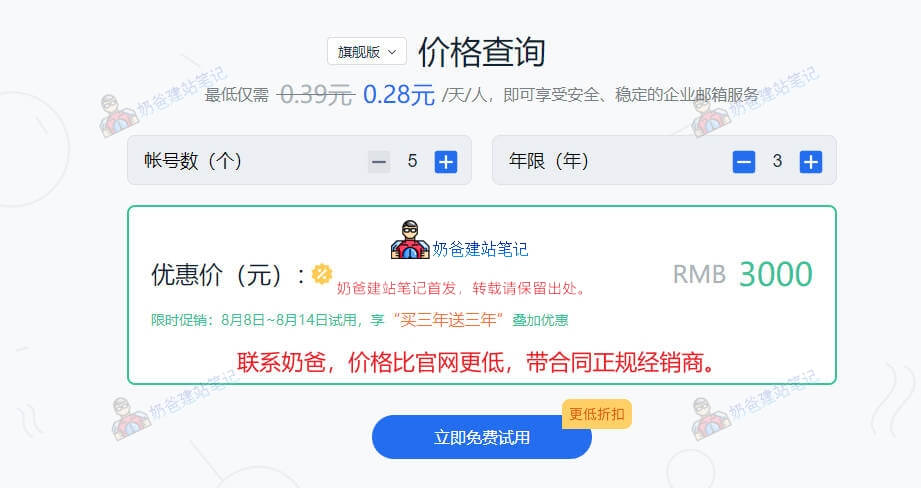
The technology and strength of NetEase Mail need no introduction; anyone who uses email has heard of NetEase Mail.Currently, the official price for NetEase Mail is 3000 yuan for 5 accounts over 6 years. After clicking 'Try Now', you will be asked to fill in your phone number, and it will be automatically assigned to the corresponding distributor. If you plan to purchase, you can also directlycontact Naiba, the price is lower than the official website price.
NetEase Enterprise Email Purchase Process
- Go to the official website, click the trial button, fill in the information, and the corresponding distributor will contact you. You can also directly contact Naiba to help you connect with a distributor, the price is lower than the official website;
- The distributor will communicate with you about the purchase package and price, and sign the contract;
- The distributor will help you or assist you in completing the domain name resolution;
- After the resolution takes effect, you can start using NetEase Enterprise Mail normally (the distributor will provide you with the relevant account information).
Contact Naiba for a lower price
NetEase Enterprise Email Usage Tutorial
After the domain name resolution takes effect, you can access the login interface via the mail subdomain (default is HTTP, can be configured to HTTPS login, but you need to apply for the certificate yourself). It is more recommended to directly use NetEase's official login website to log in to the mailbox.
NetEase Official Mail Login Portal👉 https://qy.163.com/login
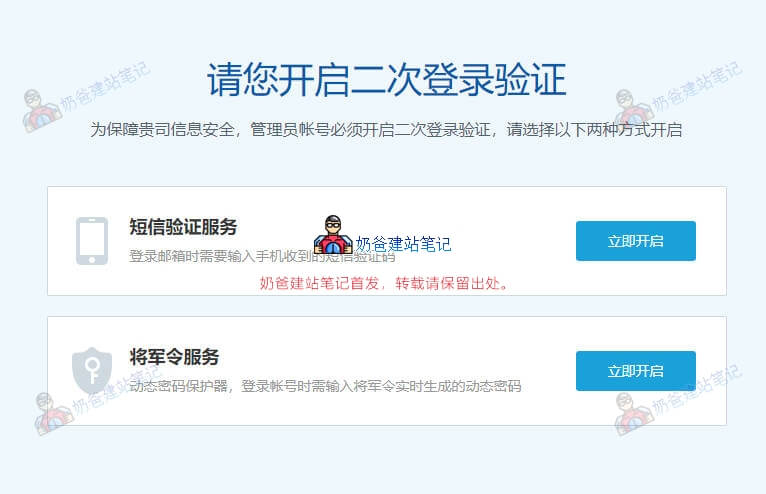
The first login will require enabling two-step login verification. Choose one method to enable it, such as SMS verification.
The login interface allows you to choose between mailbox login and administrator login. When we select administrator login, we enter the management backend, as shown in the figure below:
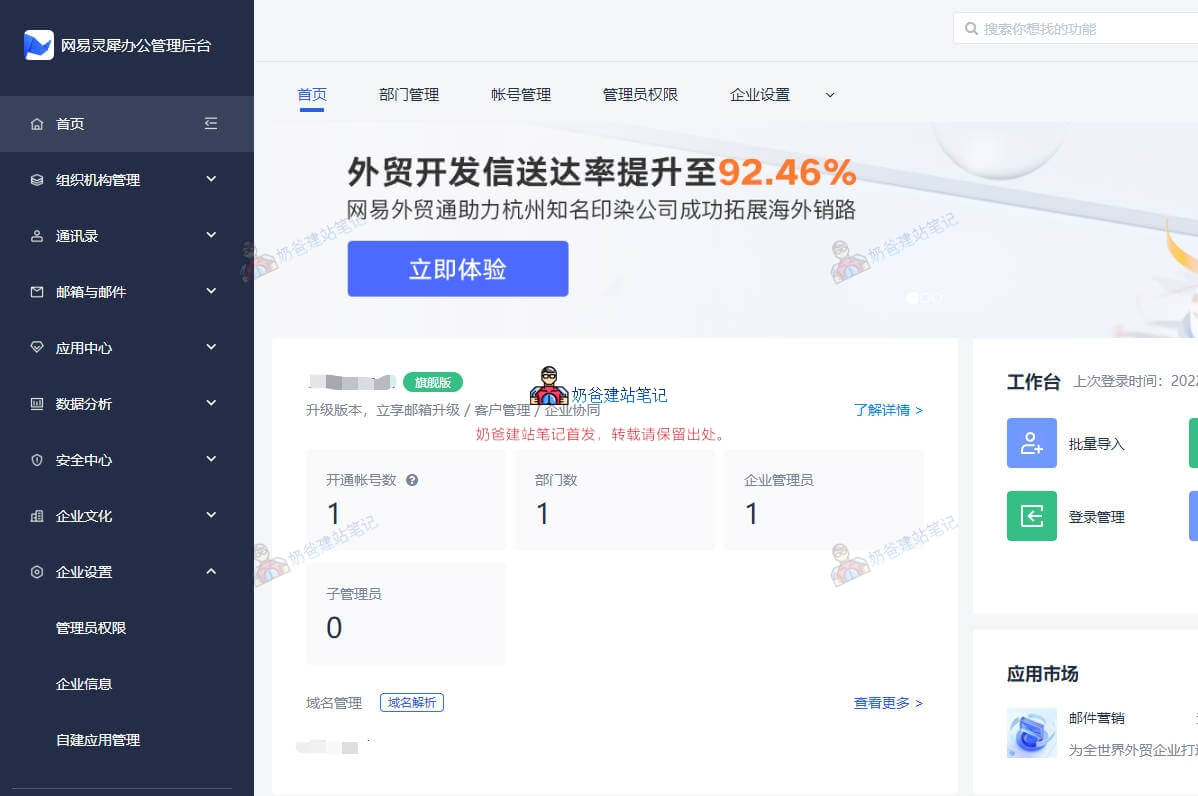
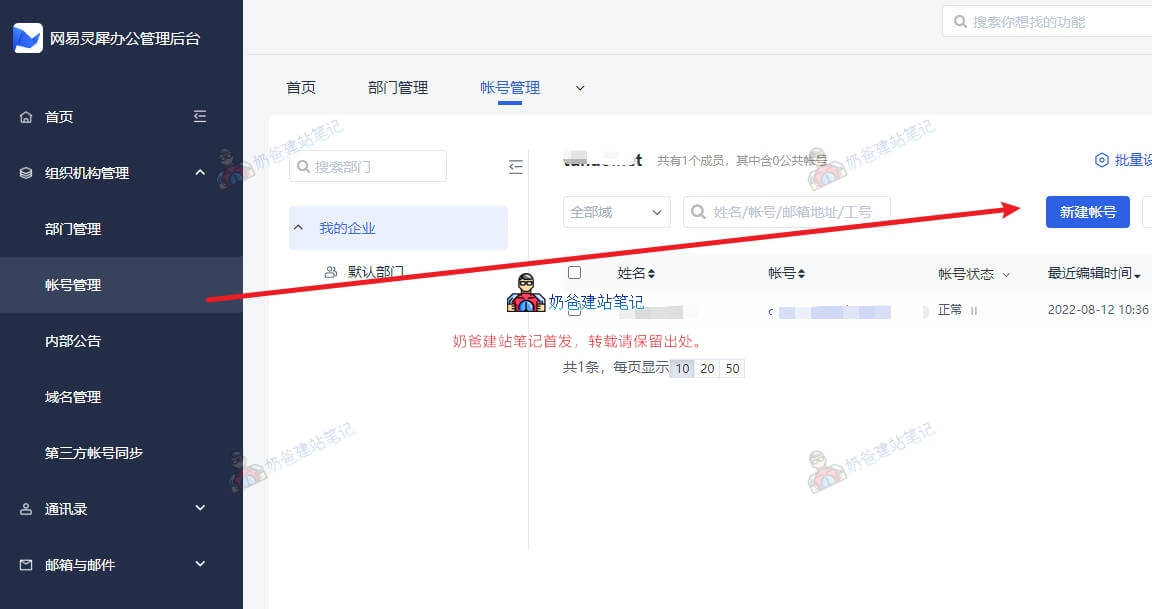
In the backend, you can modify the mailbox settings yourself. If you need to add accounts, simply create a new account in the account management section.
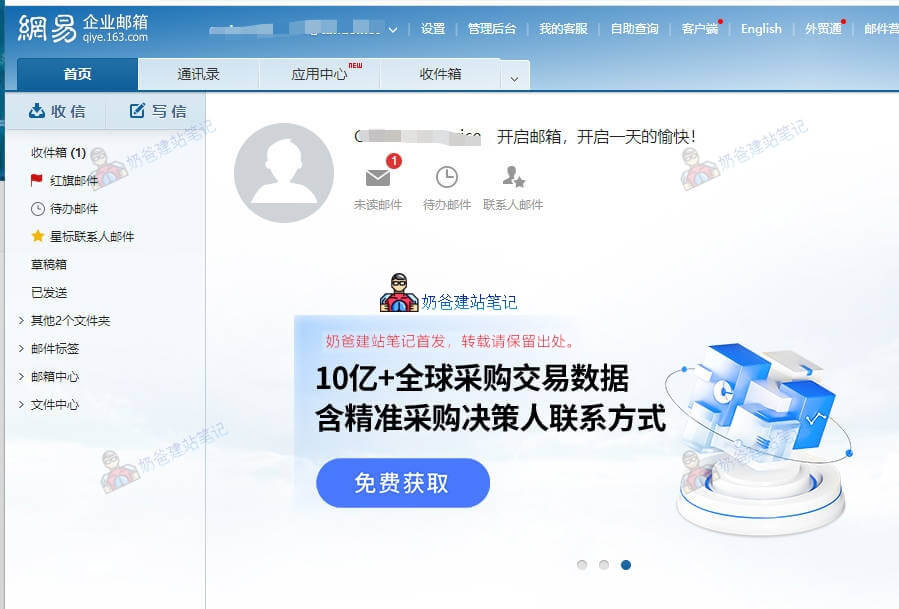
Normal email sending and receiving involves logging into the email account, and then the interface shown below.
After the newly activated corporate email takes effect, it is recommended to first send and reply to emails from your own email to the corporate email to test if it works properly.
NetEase Enterprise Email SMTP and Other Configuration Information
NetEase Mail comes with a client, and you can log in directly using the client. If you need to configure SMTP and other information, the corresponding configurations are as follows:
| Protocol Type | Address | Non-encrypted Port | Encrypted Port |
| POP | pophz.qiye.163.com | 110 | 995 |
| SMTP | smtphz.qiye.163.com | 25 | 465 |
| IMAP | imaphz.qiye.163.com | 143 | 993 |
Overseas client configuration address is the same as above.
The corresponding account is your corporate email account information.
It is recommended to use an encrypted port for a more secure connection. When using it, please check whether the encrypted port is open on your local computer and network.