
WooCommerce product categories can have category descriptions. Some themes will call and display the category description content on the frontend. ManyForeign Trade Independent Websitesuse category descriptions for page SEO optimization. However, by default, WooCommerce category descriptions only support plain text; HTML cannot be used, and images cannot be inserted. We can use the following code to enable HTML support in WooCommerce category descriptions.
/**
* Allow HTML in term (category, tag) descriptions
*/
foreach ( array( ‚pre_term_description‘ ) as $filter ) {
remove_filter( $filter, ‚wp_filter_kses‘ );
if ( ! current_user_can( ‚unfiltered_html‘ ) ) {
add_filter( $filter, ‚wp_filter_post_kses‘ );
}
}foreach ( array( ‚term_description‘ ) as $filter ) {
remove_filter( $filter, ‚wp_kses_data‘ );
}
Source:https://woocommerce.com/document/allow-html-in-term-category-tag-descriptions/
There is also another plugin that hasn't been tested; interested users can try it:Allow HTML in Category Descriptions
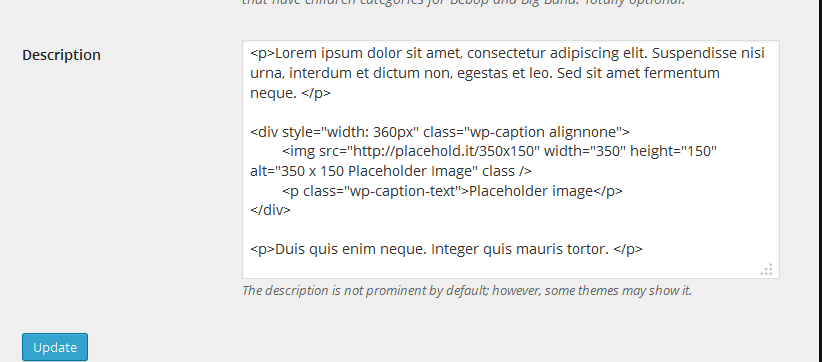
Afterwards, you can insert images in category descriptions using HTML code.