When we talk about SEO, we can't avoid the word keywords.
Keywords, as a term we must encounter when doingGoogle SEOincluding the TDK tags mentioned in online SEO tutorials, so beginners, when doing SEO, may not know much else but definitely think keywords are important.
Then, using WordPress to build a website, you install several SEO plugins but don't see an option to set keywords; you can only set the title and description.
Actually, the reason you have this question is that the SEO tutorials you've encountered are too old, still using the old method of inserting keywords into web page code to stack keywords for ranking.
It's now 2022. Google's official article from 2009 already discussed why they don't use keywords. If you're interested, click the link below to check it out:
https://developers.google.com/search/blog/2009/09/google-does-not-use-keywords-meta-tag
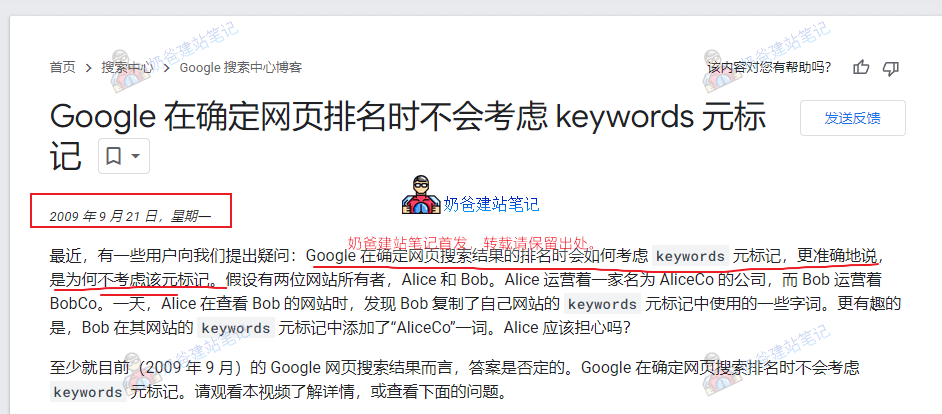
The simple answer is that Google simply does not consider these keywords. Writing them into your website's source code is useless, which is why SEO plugins no longer support manually filling in keywords.