The previous article shared#Website Building# LNMP One-Click Package Adding Virtual Host Graphic and Video Tutorial, now let's start building a WordPress website using LNMP.
LNMP Install WordPress Illustrated Tutorial
First,Connect to VPS using SSH, then use the cd command to switch to your website's root directory.

cd /home/wwwroot/demo.naibabiji.com
Replace the following URL with the domain directory you created when adding the virtual host.
Use the wget command to download the WordPress installation package.
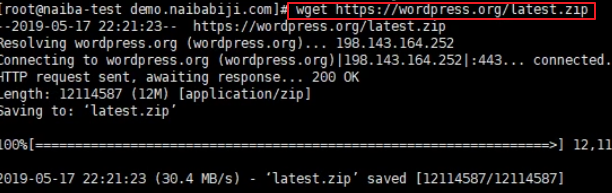
wget https://wordpress.org/latest.zip
Then extract this zip archive file
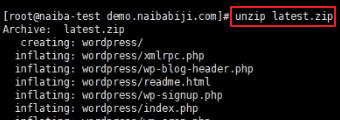
unzip latest.zip
Then switch to the extracted wordpress folder, move all files to the parent directory (i.e., the website root directory), switch back to the website root directory, and configure permissions. The commands are as follows:
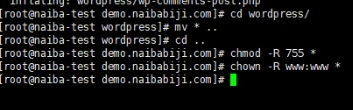
cd wordpress/
mv * ..
cd ..
chmod -R 755 *
chown -R www:www *
Then open your browser, and you will see the WordPress installation interface.
LNMP WordPress Installation Video Tutorial
https://www.iqiyi.com/v_19rsmtiznk.html
If you still have questions, you can add Naiba's WeChat for consultation.