
WHMCS is a management system used to sell hosting and domains. Of course, you can also develop plugins to integrate and sell other products. For example, many people selling SS also use WHMCS to build their websites for sales.
This article will introduce how to install a WHMCS hosting sales website.
First, install Ioncube
LNMP one-click package installation method:
After SSH connecting to the server, cd to the lnmp installation folder.
Then enter ./addons.sh install ionCube to install.
Baota Panel installation method:
In the Baota Panel backend - click the settings button for the PHP you have installed and is running, then select Install Extension. Find ionCube and install it. Refer to:Baota Panel: Methods for Installing Extensions like Memcached and ionCube
Then add a Virtual Host and Database
Next, add a Virtual Host for the domain you want to build.
Method for adding a Virtual Host in Baota Panel
Method for adding a Virtual Host with the LNMP one-click package
While adding, please also create a new database.
Upload the WHMCS program and install it
Then use FTP or SFTP or Baota Panel's built-in file manager to upload the WHMCS installation files to the virtual host root directory.
Rename configuration.php.new to configuration.php (this step can also be done before uploading)
Install WHMCS
Open your website URL, it will automatically redirect to the installation interface. Follow the steps to complete the installation.
After installation, perform a series of settings to go live. For example, the following content.
Log in to the admin area and configure your general settings (Setup > General Settings)
Set up your payment gateway (Setup > Payment Gateways)
Set up your products and services (Setup > Products and Services)
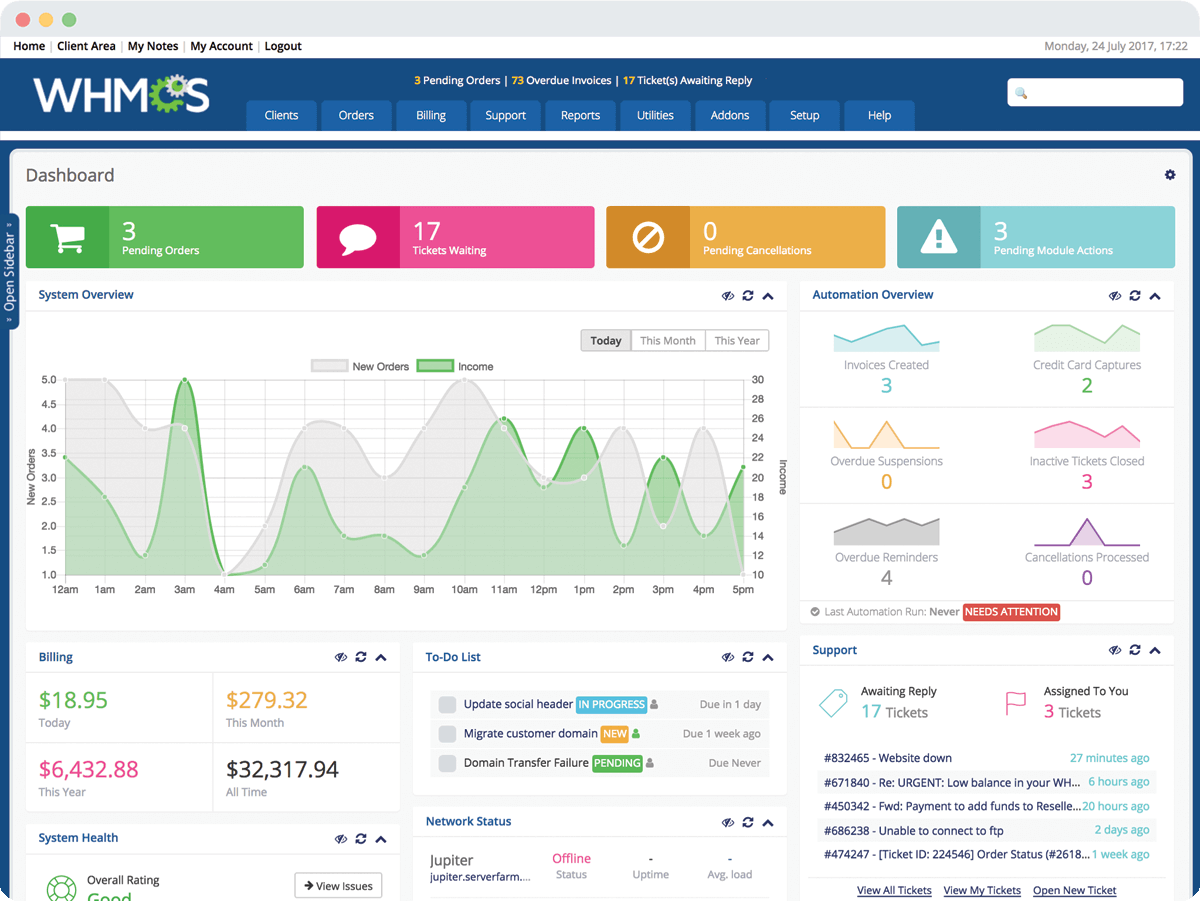
How to use the WHMCS 'Happy Version':https://blog.naibabiji.com/skill/whmcs-license-php.html