
Many friends building foreign trade websites have purchased paid Zoho Mail, but errors occur when setting up Zoho Mail email sending via SMTP plugins. It is recommended to directly use the official Zoho Mail WordPress plugin for configuration. The specific method is as follows:
Zoho Mail WordPress Plugin Setup Tutorial
1. Search for Zoho Mail in the website backend plugins and install it.
2. After installation, go to the plugin settings from the left menu.
3. ClickZoho OAuth Creationto obtain the account information needed.
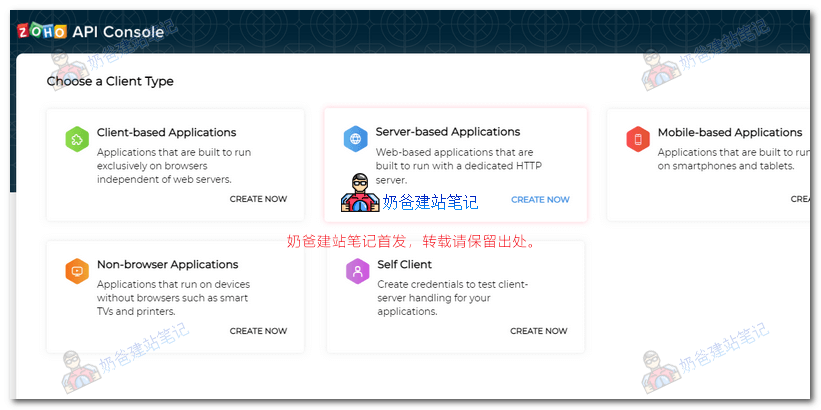
4. Select Server-based Applications and click Create.
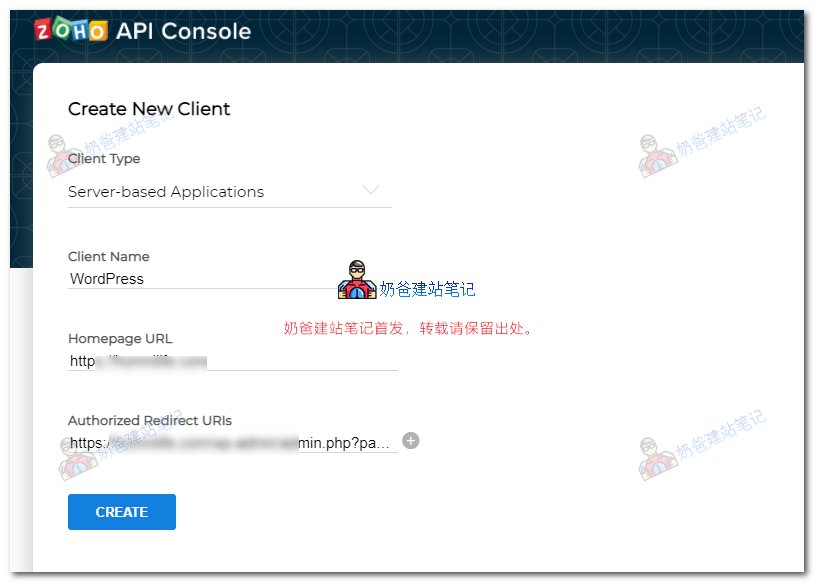
5. Fill in the website URL and redirect URL (copy from the WP Admin Dashboard plugin), then click CREATE.
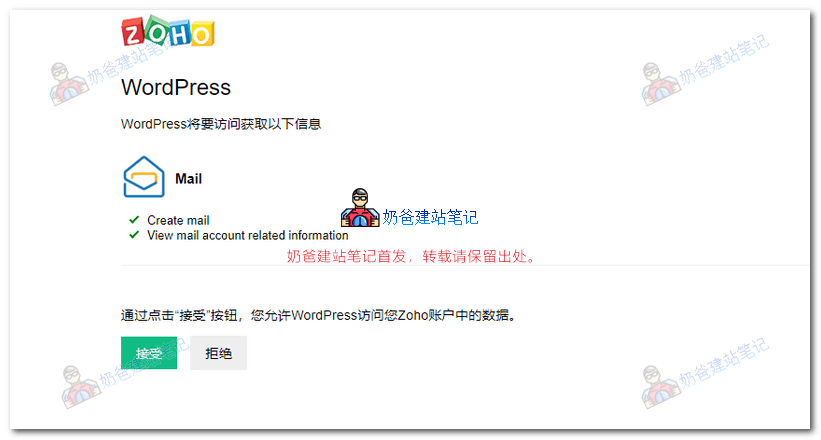
6. After saving, a permission reminder will pop up; click Allow.
After setting up, you can test by sending a test email to verify if it works.