
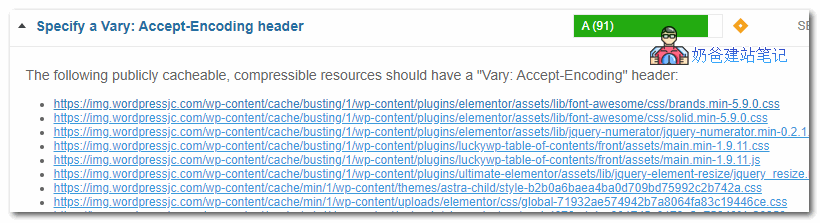
Today, when usinggtmetrix to test the scoreit prompted "Specify a Vary: Accept-Encoding header". After searching for information, it only requires adding gzip_vary on to your server configuration file.
Specific fix method:
If your server uses Nginx, open your website's nginx configuration file and then addgzip_vary on;.
If you are using Apache, add the following code to the .htaccess file.
<IfModule mod_headers.c>
<FilesMatch ".(js|css|xml|gz|html)$">
Header append Vary: Accept-Encoding
</FilesMatch>
</IfModule>
Actually, from the screenshot, the file seen is the one Naiba uses for CDN acceleration. Gzip acceleration is enabled on the CDN, but for some reason, it doesn't carry the Vary: Accept-Encoding information. Since it can reach 91 points, we won't delve deeper into it.