Directly writing text onto the image using Photoshop is incorrect.Why can't you directly add text to the image using Photoshop?When building a website, SEO is essential. A major SEO taboo is adding text on top of images. This practice has the same effect as Flash did years ago; search engines cannot read the text on the image. The text on your website is actually useful for search engines, as it helps them judge your website's content. Therefore, the correct method is to keep images as images and text as text; the two should not be combined using Photoshop.Never Do This with Your Website Slideshow Text
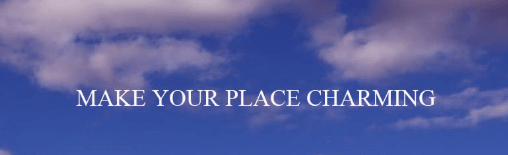
Some friends followed thetutorial on building your own websiteand set up their own website, then found a favorite theme template online to modify the content. Since slideshows are a standard feature for business websites, they first modify the slideshow content. For example, like the image below
Directly writing text onto the image using Photoshop is incorrect.Why can't you directly add text to the image using Photoshop?When building a website, SEO is essential. A major SEO taboo is adding text on top of images. This practice has the same effect as Flash did years ago; search engines cannot read the text on the image. The text on your website is actually useful for search engines, as it helps them judge your website's content. Therefore, the correct method is to keep images as images and text as text; the two should not be combined using Photoshop.
Directly writing text onto the image using Photoshop is incorrect.Why can't you directly add text to the image using Photoshop?When building a website, SEO is essential. A major SEO taboo is adding text on top of images. This practice has the same effect as Flash did years ago; search engines cannot read the text on the image. The text on your website is actually useful for search engines, as it helps them judge your website's content. Therefore, the correct method is to keep images as images and text as text; the two should not be combined using Photoshop.🚀 Still feeling confused after reading the tutorial? Let me guide you step-by-step instead.
「Naibabiji WordPress Website Building Coaching」 — From selecting a domain and purchasing hosting to installing themes and publishing posts, I「ll guide you through every step, helping you avoid detours and reach your goals directly.
👉 Learn about Website Building Coaching Service
Comments are closed
The comment function for this article is closed. If you have any questions, please feel free to contact us through other channels.