If you have read some SEO books or articles, you might have come across the notion that a page should only have one H1 tag, typically the article title. However, Google stated in October last year that having multiple H1 tags is fine. So, what should we do when building websites? Naiba shares his perspective.
Google Says Multiple H1 Tags Are Okay
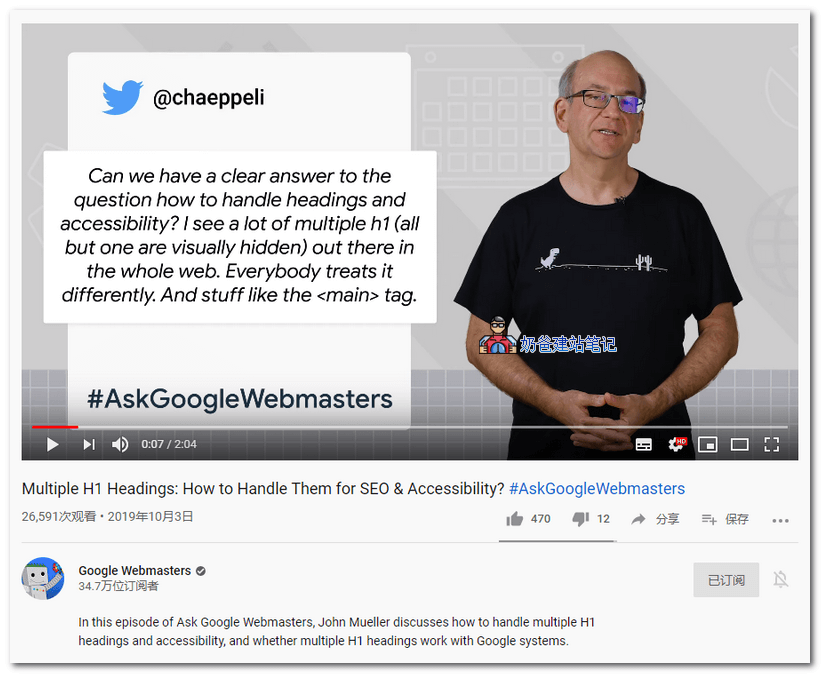
Video link: https://www.youtube.com/watch?v=zyqJJXWk0gk
According to the SEO knowledge we learned before, it is best to have only one H1 tag on a page.
When writing articles in WordPress, we can see H tags from Heading 1 to Heading 6.
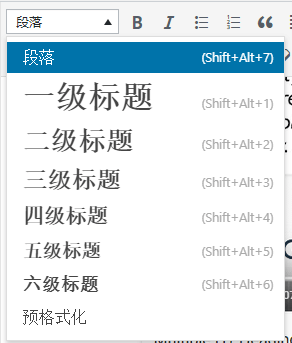
The H1 heading has the highest weight, representing the topic of the article, and the weight decreases as the level increases.
Therefore, when designing web page templates, we consider this issue. For example, some people's website logo is H1, and the article title is also H1, and there may be other H1 tags elsewhere, resulting in multiple H1 tags on one page. Most SEOers consider this approach not ideal.
In a video, Google answered the question about multiple H1 tags, saying that Google does not mind having multiple H1 tags and can recognize them. You can use multiple H1 tags on a page.
After Google made this statement, foreign SEO agencies started testing. After a period of testing, they changed half of the article titles to H1 and kept the other half as H2.
The final result was no significant change in rankings and traffic, so they reverted back.
What Should We Do?
Heading tags, also known as H tags, consist of six different sizes in HTML. They are tags used in webpage HTML to emphasize text headings, defined by tags <h1>, <h2>, <h3> up to <h6>. Their essence is to present content structure. There are six pairs, with text size decreasing from large to small, indicating a decrease in importance, i.e., weight reduces progressively. (FromBaidu Baike)
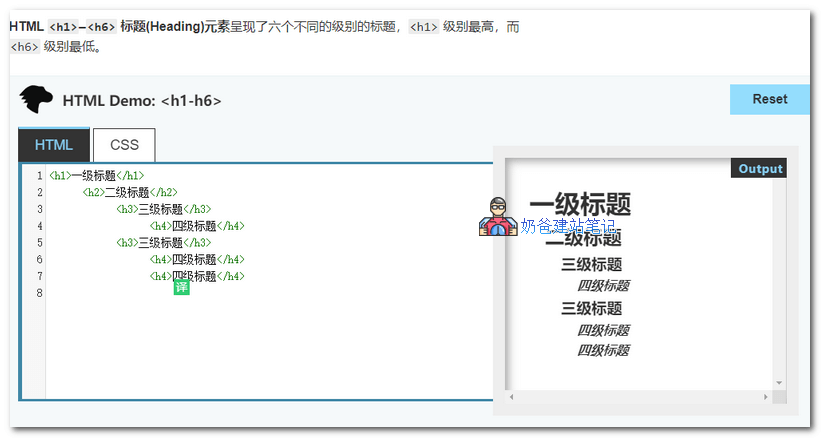
Mozilla's introduction to heading tags suggests:
- Do not use lower-level headings to reduce font size; instead, use the CSS font-size property.
- Avoid skipping heading levels: always start from <h1>, then use <h2>, and so on.
It can be seen that browser vendors also have the same attitude towards H tags: H1 is the most important and should not be skipped.
Therefore,Naiba's perspective on the usage of H1 tags remains:
Try to have only one H1 tag on your website, which is the page title. However, if your website logo is also an H1 tag, you can modify the code to make the homepage logo H1 and the article page logo H2.
If you cannot modify the code, having both the logo and title as H1 should not have a significant impact on Google. Google is quite smart, but it does not guarantee that when you change your theme next time, it will become only one H1 tag.
In the content of the page, you can appropriately use H2, H3, and other subheadings for layout. Titles can also include keywords (Naiba uses subheadings more for user convenience, combined withTable of Contents Pluginfor better effect.)
You just need to remember one thing:Google SEOThe main focus is on user experience. As long as you believe it helps user experience, how you use H1 tags is not a problem.
References:
- https://moz.com/blog/h1-seo-experiment
- https://developer.mozilla.org/zh-CN/docs/Web/HTML/Element/Heading_Elements