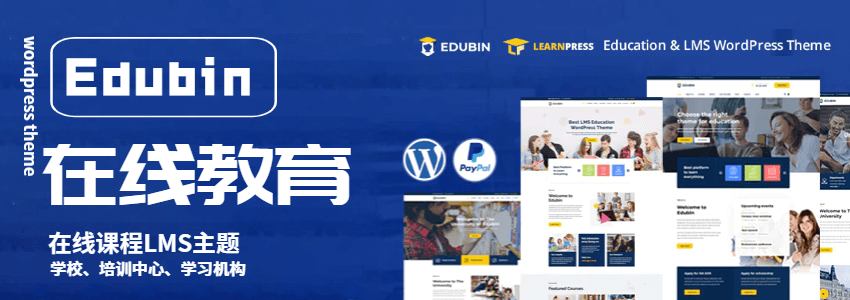
Edubin is a WordPress online education theme that supports Learning Management System (LMS) plugins LearnPress and LearnDash, allowing you to build an online course platform.
Theme Introduction
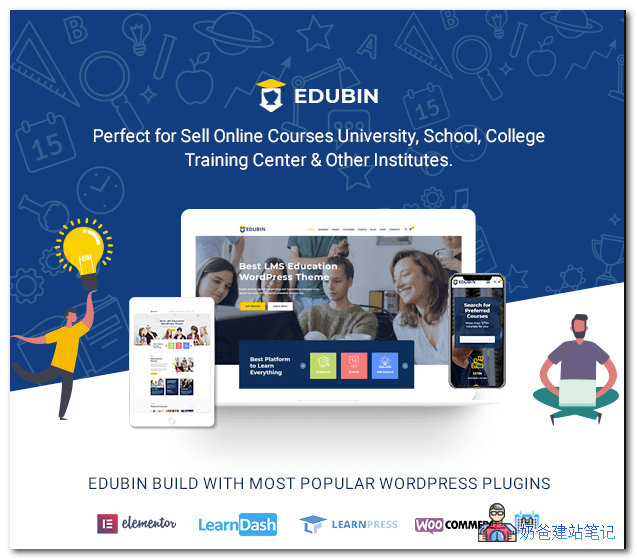
Edubin is one of the best educational LMS WordPress themes, ideal for selling online courses, universities, colleges, schools, training centers, e-learning, and other institutions. Edubin is a complete educational solution with all features. It is built with the drag-and-drop Elementor Page Builder. Using this theme, you can build websites for any type of educational institution. This education theme supports two popular LMS plugins: LearnDash and LearnPress. Additionally, the theme features event calendar, event registration, WooCommerce store, and more.
The Edubin education WordPress theme is designed as a course listing platform (like Udemy, Coursera, Edx, training centers, course hubs, language schools, e-teaching businesses, learning courses, music education schools, dance academies, driving schools, colleges, universities, or schools.
Feature Overview
- Elementor Page Builder
- LMS courses with foundational designs for schools, colleges, universities
- Supports LearnPress and LearnDash 2 LMS plugins
- LMS course, lesson, quiz, topic features
- Multiple course styles: Grid/List
- Advanced Customizer theme options
- One-click demo importer
- Rich collection of Elementor elements
- Flexible blog layout options
- Instructor/Teacher details page
- Event listing and registration features
- Lifetime free updates
- Based on Bootstrap 4
- SEO Friendly
- WooCommerce Support
- 100% responsive
Theme Usage Tutorial
1. Download the theme zip file and extract it.
2. Upload and install the theme via FTP or WP admin, then activate it.
3. There is a setup wizard; follow it to install required plugins. The plugins include the following:
- Edubin Core: Required, must install this plugin.
- Elementor Page Builder: Required. Page builder plugin.
- One Click Demo Import: Required if you want to import demo content. You can disable it after importing the demo.
- CMB2: Required for certain theme options.
- Envato Market: Recommended. This plugin helps you automatically update themes and plugins purchased via Envato Market.
- LearnPress – WordPress LMS Plugin: Optional. Install if you need LMS (Learning Management System) functionality.
- LearnPress – Course Review: Optional. Install if you need the „Course Review“ feature.
- Ultimate Member: Optional. Install if you want to customize the registration page.
- The Events Calendar: Optional. Install if you want to use event features.
- Registrations for The Events Calendar: Optional. Install if you need to use event registration features.
- The Events Calendar Search Addon: Optional. Install if you need to use event search features.
- WPForms: Optional. Install if you want to use contact forms.
- WooCommerce: Optional. Install if e-commerce/shop functionality is needed.
Note: If you want to use LearnDash LMS, you must deactivate the LearnPress LMS plugin after the installation process is complete.
Also, please update your site permalinks. To update permalinks, go to Settings -> Permalinks -> select Post name, then click the Save Changes button.
Then, use the Active LearnDash LMS plugin and import your LearnDash dummy content.
4. If you need to import demo content, switch to One Click Demo Import to import it.
Other content can be set and modified according to your needs.
Theme Download
Edubin is a paid WordPress theme priced at $49. It is recommended to purchase the genuine version. If you want to test a pirated version, you can join the Naibabiji group to download it.
Purchase from the above address. If you cannot open it yourself, you can contact Naiba for purchasing assistance.
Q Group 774633089 Shared Files > WordPress Themes > ZT12.edubin607.zip