
With the traffic being divided by major internet giants, previously active sharing components have basically died, such as Baidu Share and Jiathis. So there is no need to install so many unused sharing buttons on the website. Just keep WeChat, Moments, QQ, and Weibo sharing.
If on the basis of sharing, you also add tipping, likes, and micro-poster generation, wouldn't it be more perfect? Just like the image below.

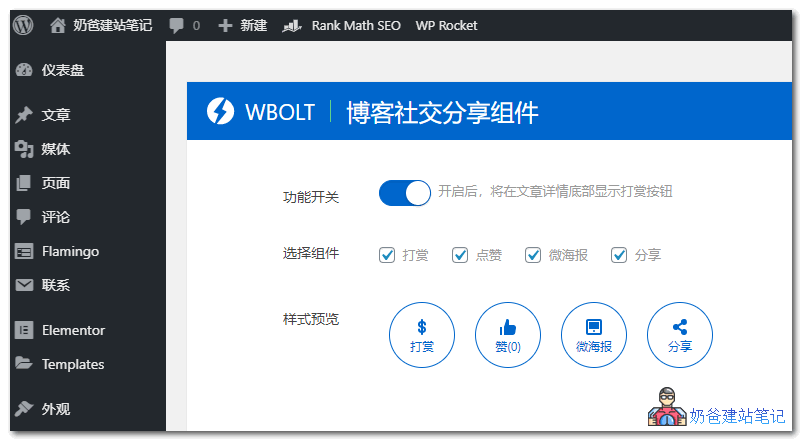
Below,Naibawill teach you how to add to yourown websiteAdding tipping, likes, micro-poster, and sharing buttons is very simple. You don't need to modify code; just install a plugin and use it.
The plugin introduced in this article is from Lightning BoBlog Social Sharing Component WP Plugin - Reward/Like/Micro Poster/Social Sharing All-in-OnePlugin.
Usage Method:
1. Download the plugin and upload it to the website backend for installation.
2. Activate the plugin, enter the plugin settings page, and configure the enabled functions and corresponding QR code images.
Note that this plugin is only suitable for domestic websites. For foreign trade websites, the sharing function needs to be disabled because sharing is not integrated with foreign SNS platforms. The reward, like, and micro poster functions can be used normally.