
When publishing articles using the WordPress backend, we usually need to upload images. If you can directly paste clipboard content into the article content without manually uploading it, it can be very convenient in certain situations, such as directly copying and pasting Word content into a blog post.
In this article, Naiba shares two plugins that allow you to directly copy and paste images into the website backend.
Plugin One: OnePress Image Elevator
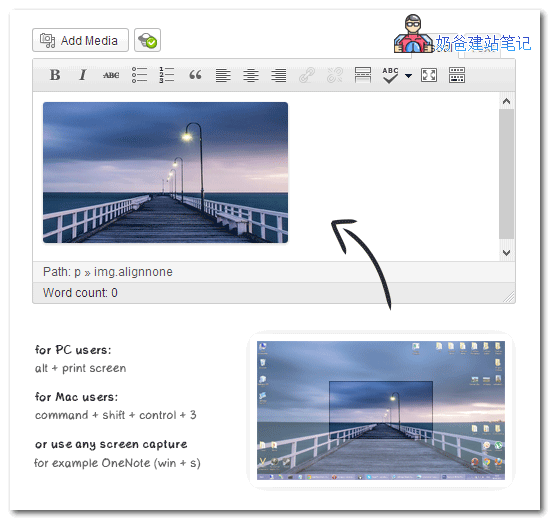
Image Elevator allows you to paste images directly from the clipboard into the article content. You can take screenshots while writing and then directly press CTRL + V to paste them into WordPress, which is very fast and convenient.
This plugin comes in both premium and free versions. The premium version also offers image compression and renaming features.
Plugin Two: The Paste
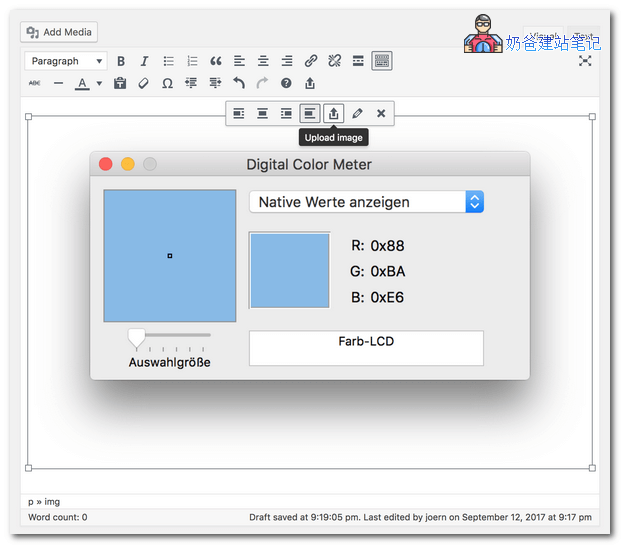
The Paste has the same functionality as Image Elevator above, except that The Paste is an open-source free WordPress plugin.
It also supports directly copying and pasting images into the article content, and supports Chrome, Firefox, IE, Edge, and Safari browsers.
Both of these plugins have not been updated for some time, but Naiba tested them in WP 5.3.2 and they work normally. However, in practice, you can also simply drag and drop images into the post to upload them, which is not troublesome either. Images from the clipboard may be quite large, and if not compressed, they could slow down the website's loading speed.