Step 1
Prepare domain and server.
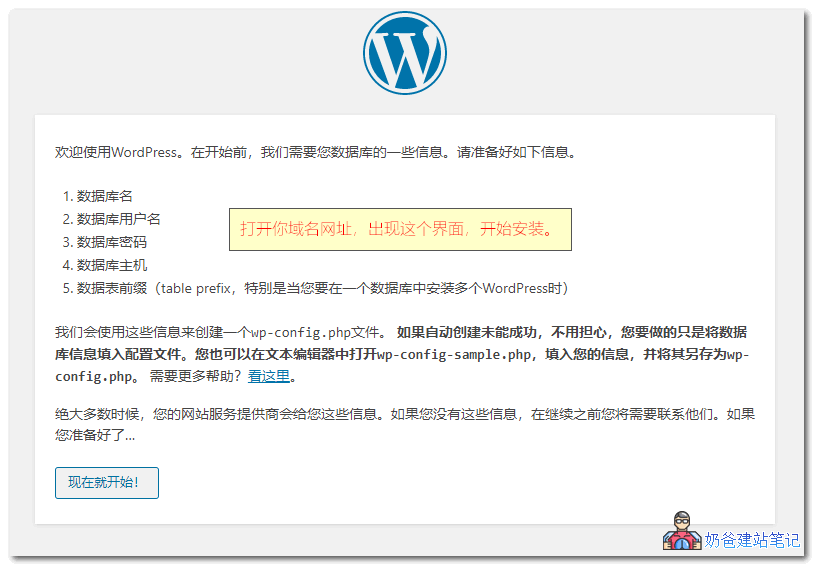
WordPress is not ordinary software installed on your own computer; it is deployed on a server and accessed via a browser to manage the website backend.
- Prepare a domain name.
- Prepare a server or WordPress hosting.
- Confirm whether filing is required.



WordPress beginner here to learn, thanks for sharing. 🐶
Expert, I'd like to ask, how can I create a loop in WordPress to output post thumbnails + post titles to make a category page?https://cn.wordpress.org
Mainstream page builders come with post components; just add and configure them directly.
Hello teacher, may I ask if it's possible to enter the webpage design interface before purchasing a domain and server? Because designing and creating image resources takes some time, and if it's done and then launched immediately, it could save some money.
The money you save won't make up for the time you waste.
Expert, I'd like to ask, how can I create a loop in WordPress to output post thumbnails + post titles to make a category page?
Don't themes come with category pages by default? If using a page builder, there are also specific components to achieve this.
When I search using 'site+URL' on Google, it always shows a URL like preview-domain.com. My website was fully built before I changed the site title. preview-domain.com was the default title in WordPress before. How can I modify it so that the homepage's preview-domain.com is changed to the current title?
This is likely because you opened your site to search engine indexing before it was completed. After finishing the site and making the corrections, Google will update it over time.