Step 1
Prepare domain and server.
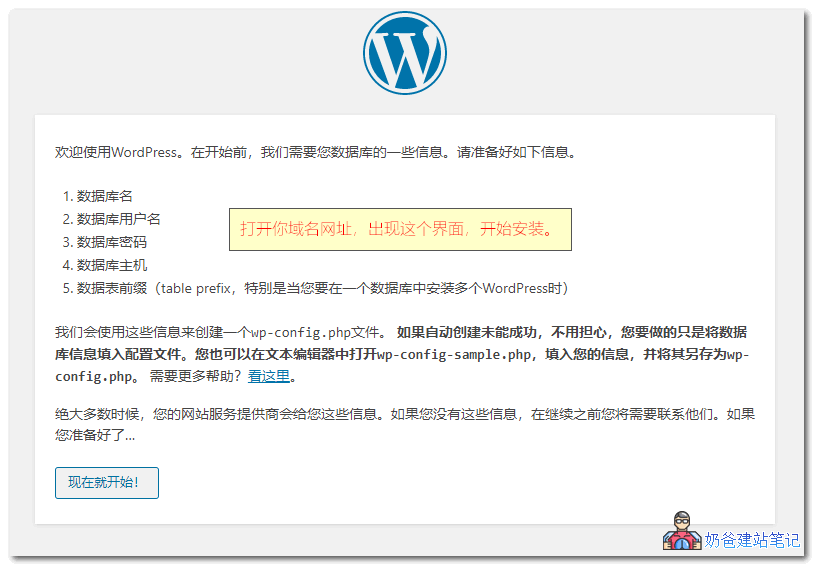
WordPress is not ordinary software installed on your own computer; it is deployed on a server and accessed via a browser to manage the website backend.
- Prepare a domain name.
- Prepare a server or WordPress hosting.
- Confirm whether filing is required.



Testing to see if comments work.
When I first started building websites, the introductory tutorials I read were from Naibabiji's articles. They are full of practical insights, highly recommended.
Hello, after I installed the theme, the entire website layout is messed up. What could be the reason? The template was normal at first, but after I switched to other templates, it became messy. Even reverting to the very first template is still messy.
Installing different themes is like renovating your house. If the renovation doesn't look good and you want to change the style, won't the house retain traces of the previous renovation? To have no traces, you can only repaint the walls and start over.
Did you click on the WordPress editor? You need to edit and save it again using the visual editor.
May I ask, how can I use Elementor to create a product details page where the product details and reviews are in the same row, and clicking the corresponding text can switch to the content from the corresponding backend?
Isn't that the default after installing WooCommerce?
Hello Naiba,
I created a new page in WP, but after a while, the page automatically moves to the Drafts and Trash, and it's random, happening to different pages each time. Help~
I haven't encountered this situation before. If it's not your own misoperation, I suggest reinstalling WP directly.