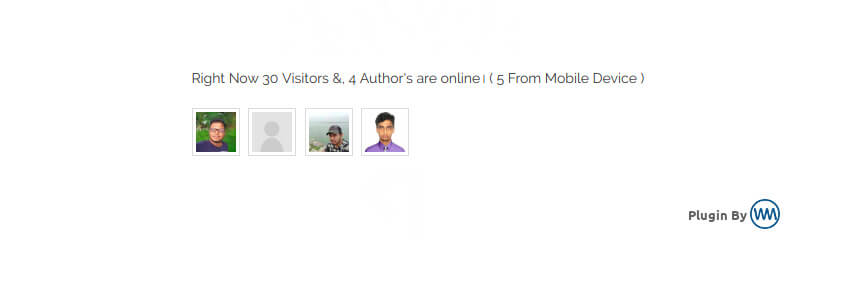
Even if you don't know code, you can easily add a device to your WordPress site that shows how many visitors/members are online.
This is the Who Is Online Now that this article will introduce.WordPress Plugin. Who Is Online Now is an AJAX-enabled WordPress visitor counter plugin that displays how many visitors, registered members, or mobile users are currently accessing your WordPress posts and pages.
How to Use
1. Install the Who Is Online Now plugin directly from the WordPress admin panel or upload the downloaded zip file.
2. Insert the shortcode where you want to display the online members.[who-is-online-now]The shortcode can be placed in posts, pages, or widgets.
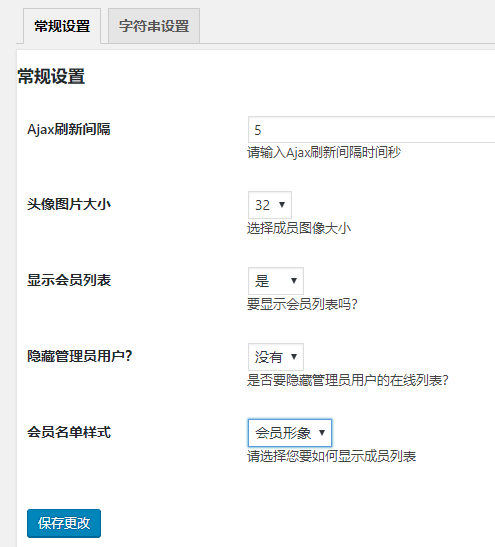
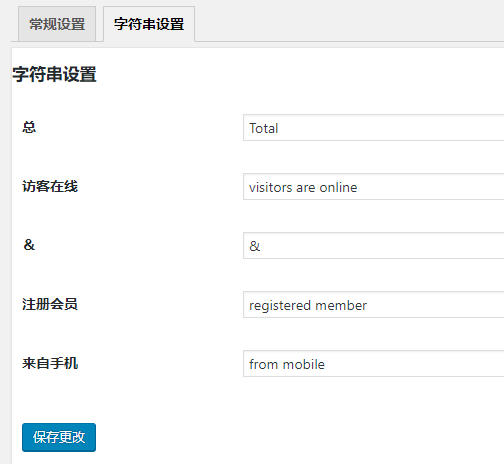
3. Customize the plugin on the „Settings“ page of the Who Is Online Now plugin. Including:
AJAX refresh interval in seconds
Avatar image size
Whether to display the member list
Member list style: member avatar or member name
Preview

Plugin Download
You can download this free WordPress plugin using the download button below, or search for the plugin name directly in the WordPress admin dashboard to install it.
Discover more fun and interesting ????WordPress Plugin????