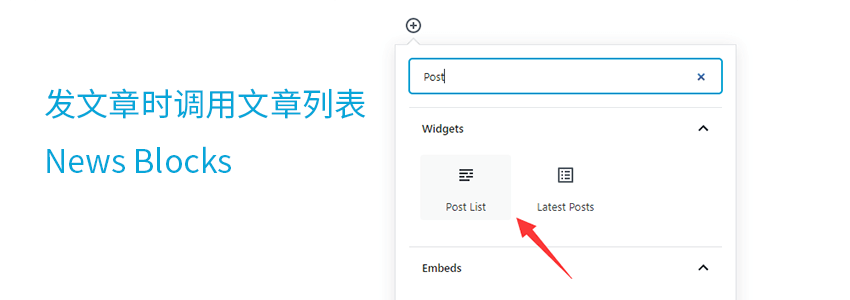
News Blocks is an enhancement for the Gutenberg editorWordPress Plugin. Its main purpose is to allow you to insert a new-style post list at any time while writing articles using the Gutenberg editor, without needing to install any post plugins or modify code, making it very suitable for novice users.
Main Features
Specify the post type: post or page.
Filter posts or pages by category and author.
Specify the number of posts to skip from the beginning.
Specify the number of posts or pages to display.
Exclude specified posts or pages.
Plugin Demo
After installation, you can add the Post List widget when writing articles using the Gutenberg editor. As shown in the figure below:
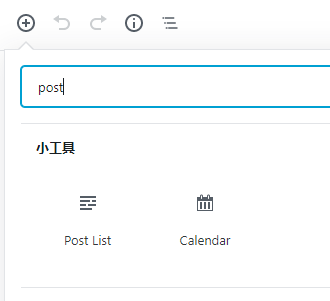
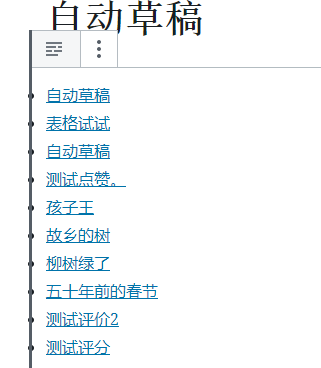
After clicking, your new-style article list will be automatically displayed, as shown in the figure below:
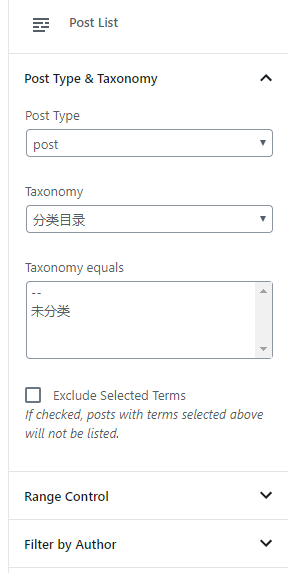
Then, in the editing interface on the right, there are settings for the Post List widget. You can choose to retrieve a list of articles or pages, and also set whether the selection is by category or TAG, etc.
Plugin Installation and Download
You can click the link below to install it, or search and install it directly in the WP backend.
After installation, enable it to call it when using the Gutenberg editor.