
Eduma is an education-focused WordPress theme suitable for education websites, LMS, training centers, course centers, colleges, academies, universities, schools, kindergartens, etc., to build official websites.
Eduma uses the popular Elementor builder to create pages and comes with over 20 demos supporting one-click import.
This article by Naiba introduces the installation and basic usage of Eduma. (Of course, the prerequisite is that youhave built a WordPress website)
Eduma Theme Purchase and Download
Eduma is a premium WordPress theme. You canclick here to purchase from the official website, or click here topurchase from WP Xiaomaibu。
After downloading, you get a compressed package. Unzip it, and the eduma.zip inside is the theme installation package.
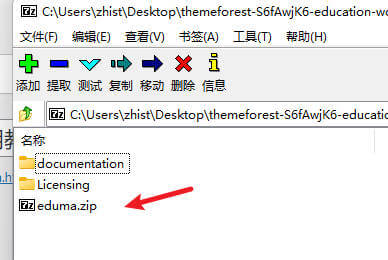
If you downloaded the theme from WP Xiaomaibu, note there are two versions: 5.0.1 is the cracked version, and 5.0.2 is the genuine version. The genuine version requires logging into your theme purchase account when installing plugins. You can install 5.0.1 first, import the demo, and then upgrade to 5.0.2.
Basic Installation of Eduma Theme
After downloading the theme installation package, unzip it, and upload the extracted eduma.zip compressed package via the WordPress admin panel under Appearance > Themes > Add New > Upload Theme.
After installation, the theme setup wizard will appear.
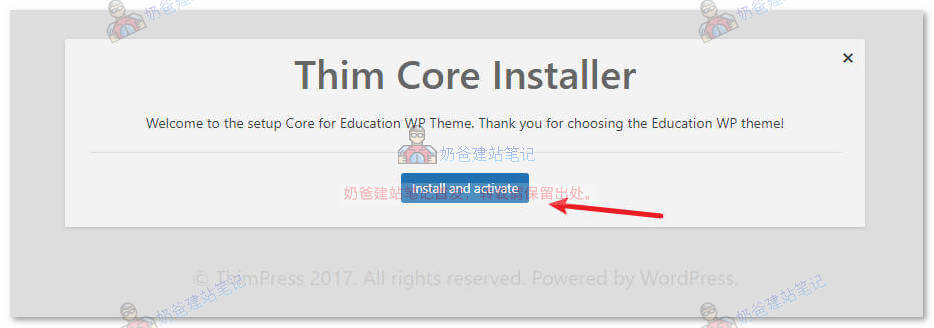
Click the Install and activate button
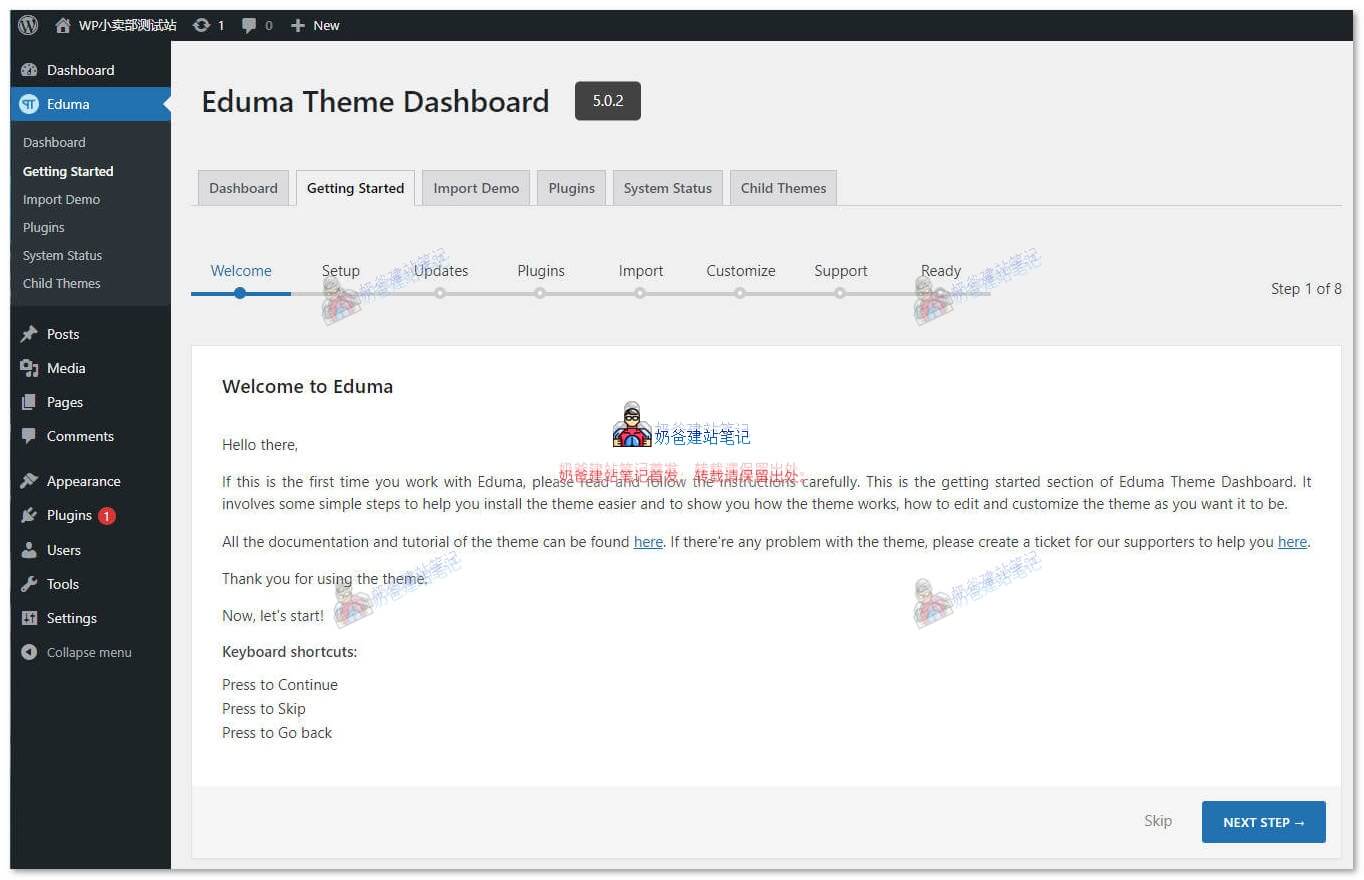
Next, the theme setup wizard will appear. If it doesn't appear, you can manually start it by clicking Getting Started under the theme options menu.
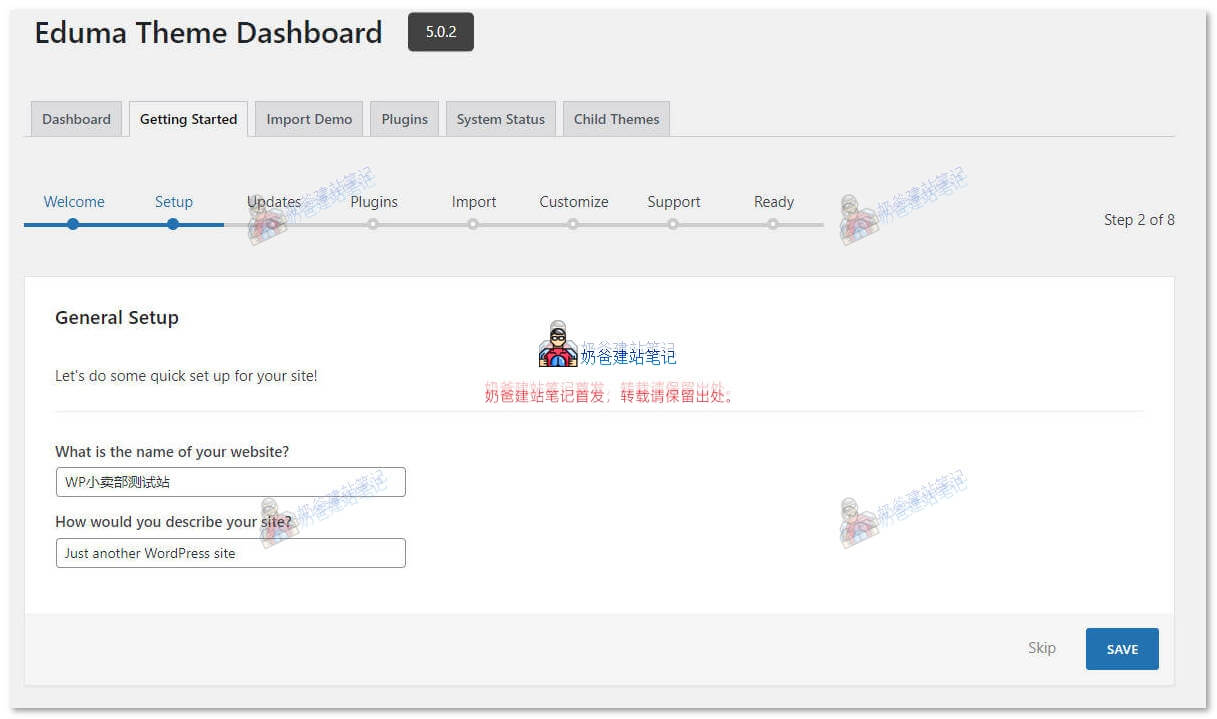
Set the website title and subtitle.
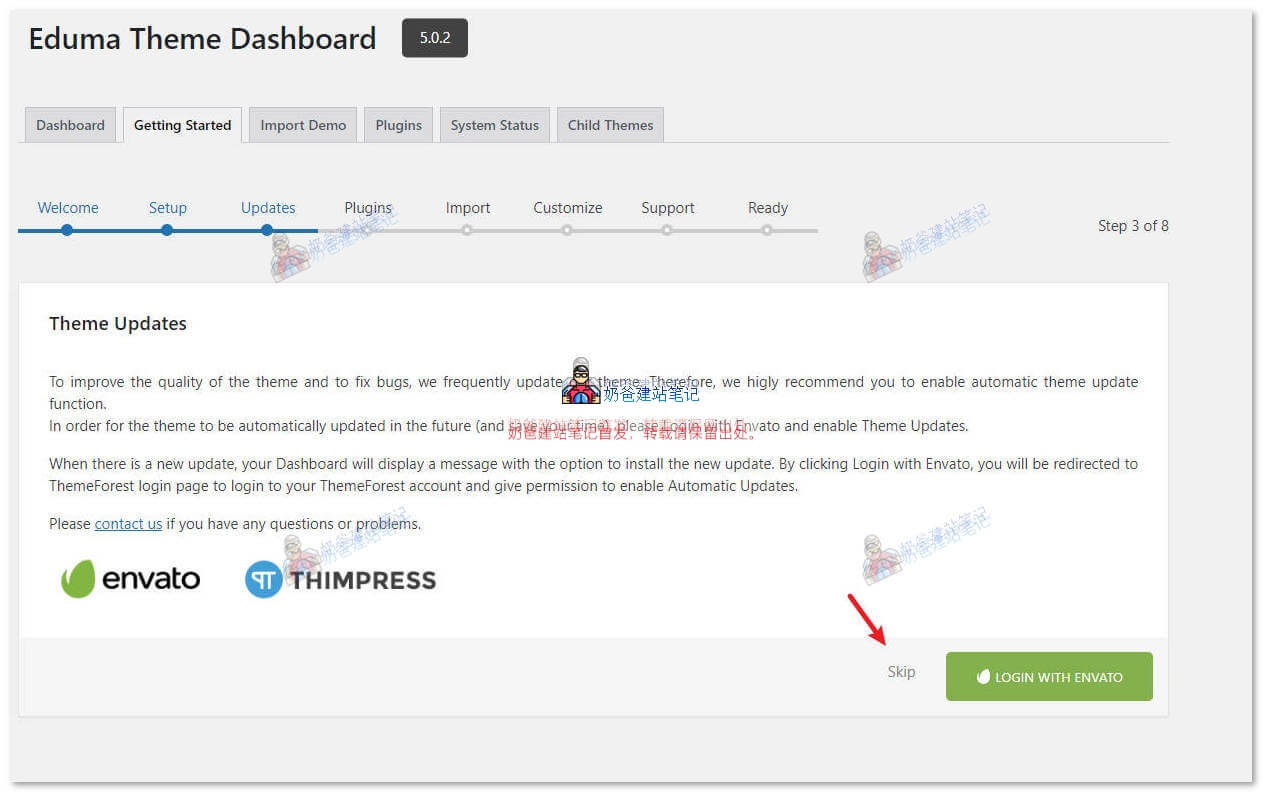
Prompt asking if you want to receive theme update notifications. This requires logging into your Envato account where you purchased the theme, or you can skip it directly.
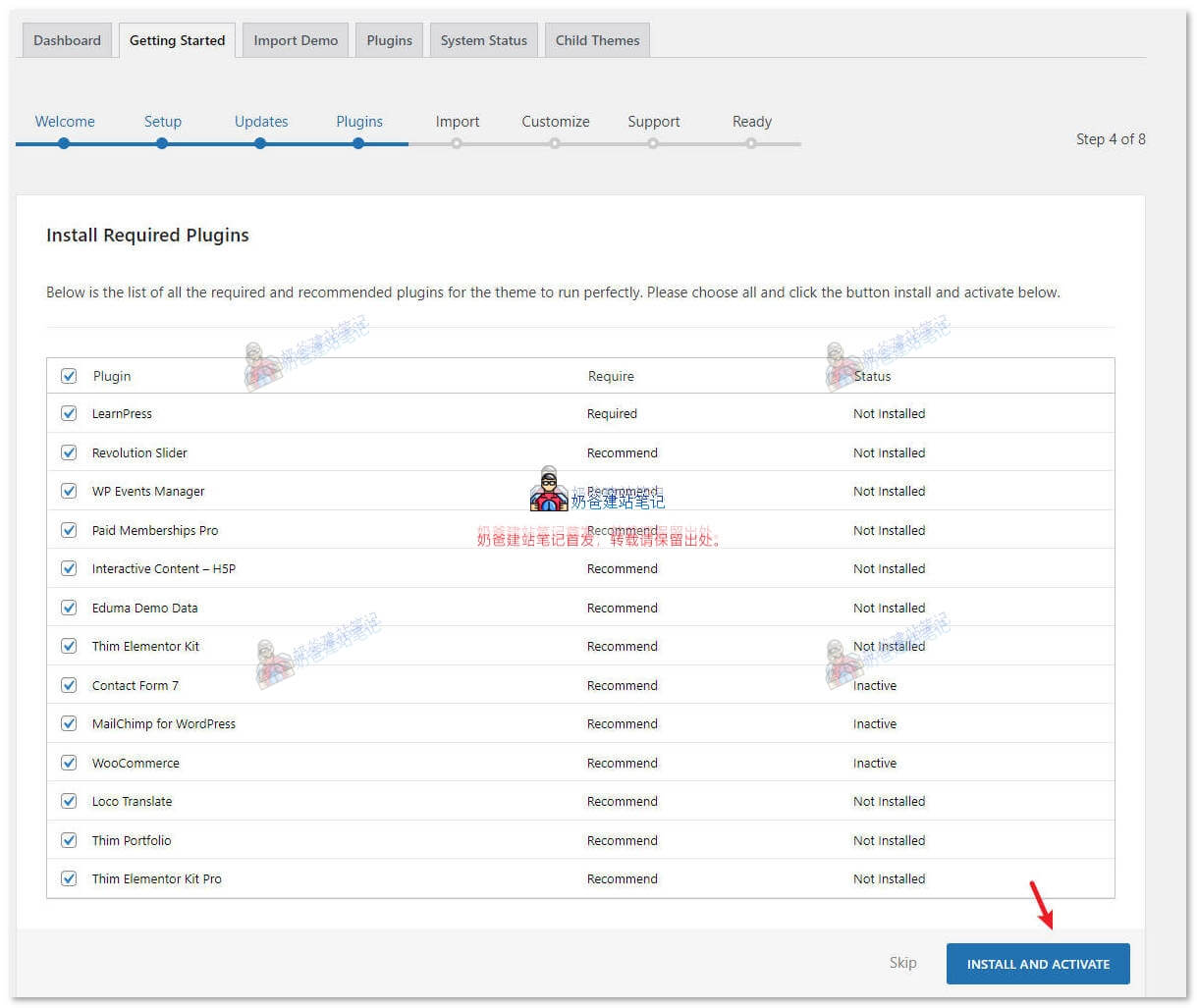
Install and activate the plugins required by the theme. For the genuine theme, login is required here.
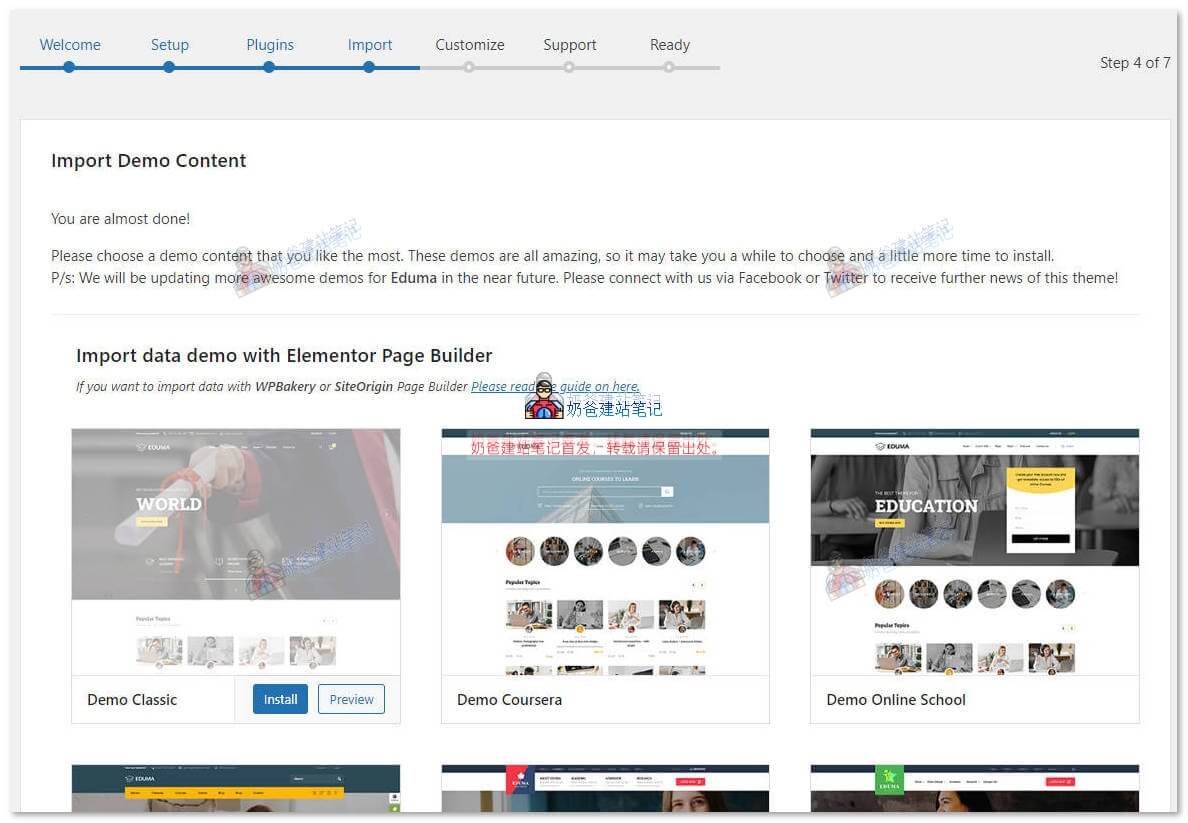
Next, select the Theme demo you need to import and proceed to install.
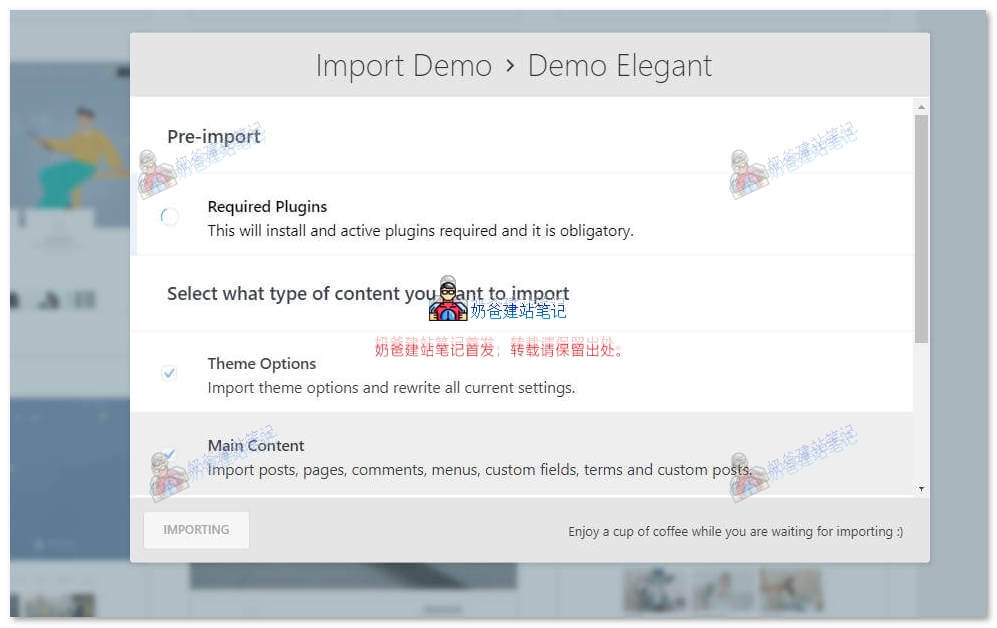
Theme Demo is importing.
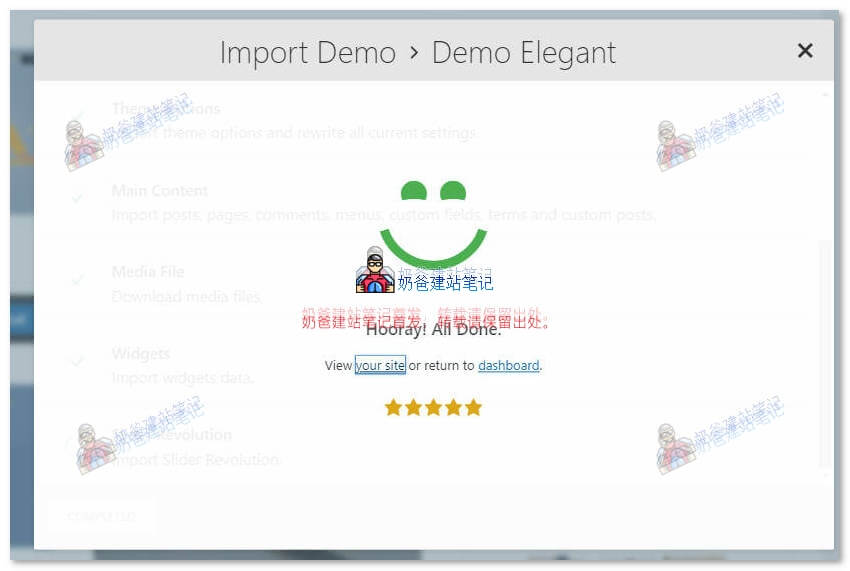
Theme import is complete.
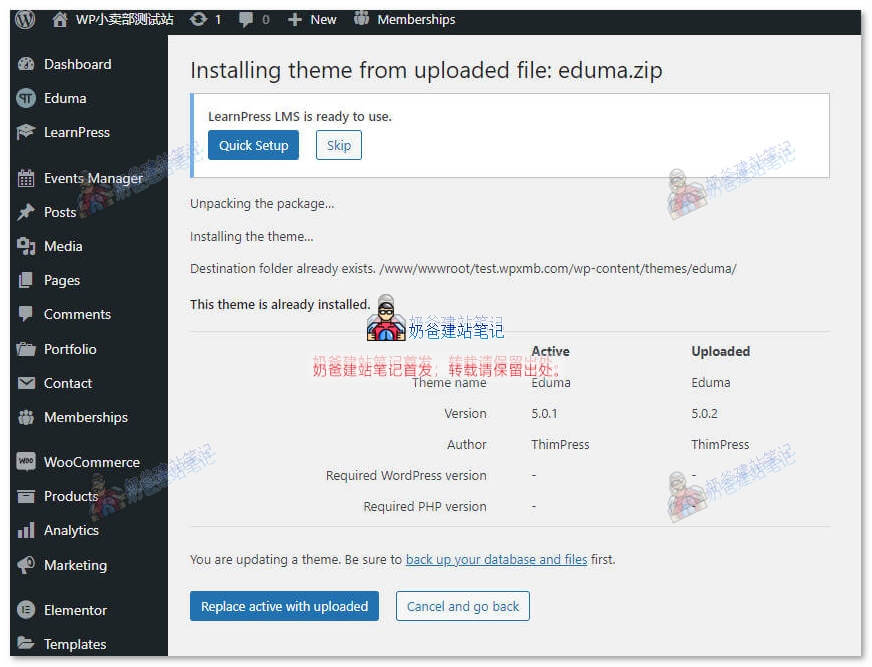
Then install the genuine theme over it.
At this point, the Eduma theme is installed and the demo data has been imported.
Basic Usage of Eduma Theme
Theme Page Editing
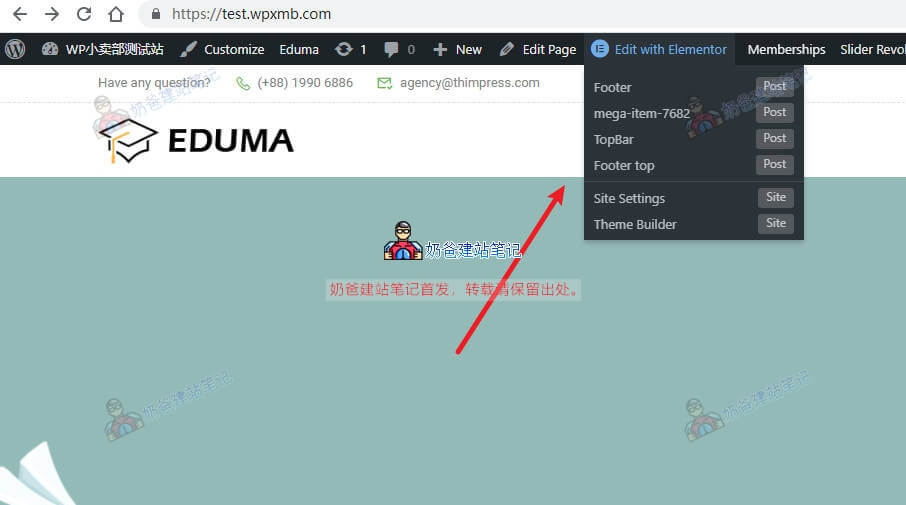
The DEUMA theme is built with the Elementor builder, so to edit any page, simply hover over the Edit with Elementor button.
As shown in the image above, the footer of the DEUMA theme is also made with Elementor and can be edited directly by clicking into it.
Theme Settings, Modifying LOGO, etc.
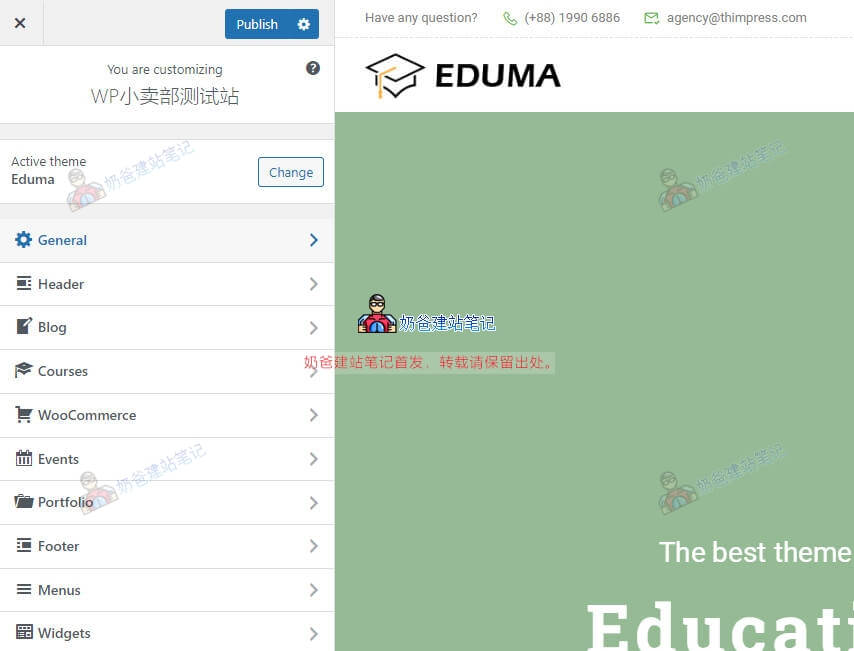
Theme logo and other settings are in the theme customizer.
Modify the page content according to your needs, clean up unnecessary features and pages, and your own teaching website is quickly set up.