
E-commerce websiteUsing PayPal for paymentis a choice for many companies. PayPal is divided into personal accounts and business accounts. Many SOHO users, when building 2C websites with WordPress and lacking a business account, directly choose a personal PayPal account. After upgrading to WooCommerce 5.5, Woo officially updated the new PayPal payment plugin, thereby hiding the built-in PayPal standard interface from older versions. The new PayPal payment plugin can only connect to business accounts, which is particularly unfriendly for sellers using personal PayPal accounts.
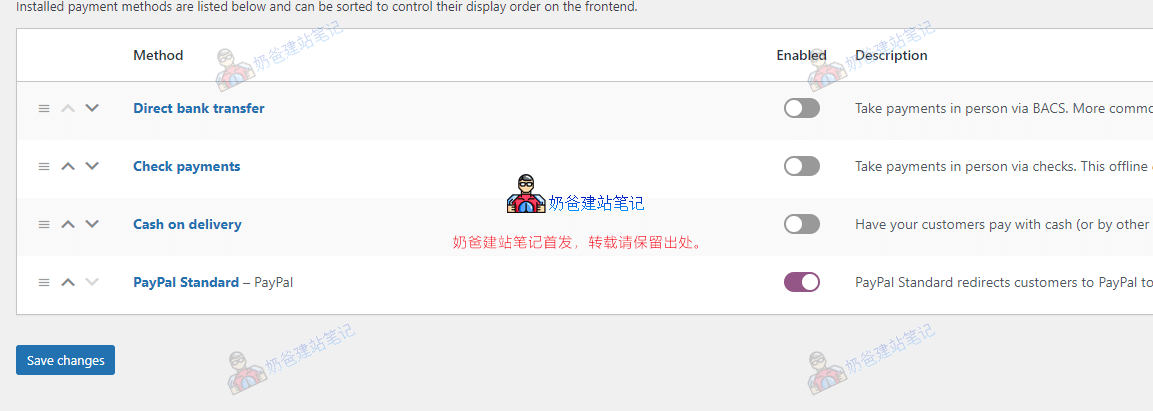
The method to restore the PayPal standard payment interface is as follows:
Copy the code below and paste it into your website theme's functions file, then you can find PayPal standard in the WooCommerce settings.
add_filter( 'woocommerce_should_load_paypal_standard', '__return_true' );
Official article: https://developer.woocommerce.com/2021/07/12/developer-advisory-paypal-standard-will-be-hidden-on-new-installs/