
Weebly is a drag-and-drop online website hosting platform for generating websites. You can build a website for selling products online without professional skills. Here, Naiba briefly introduces the Weebly website building process and analyzes whether Weebly is good for building websites, its advantages and disadvantages.
Weebly Website Building Tutorial
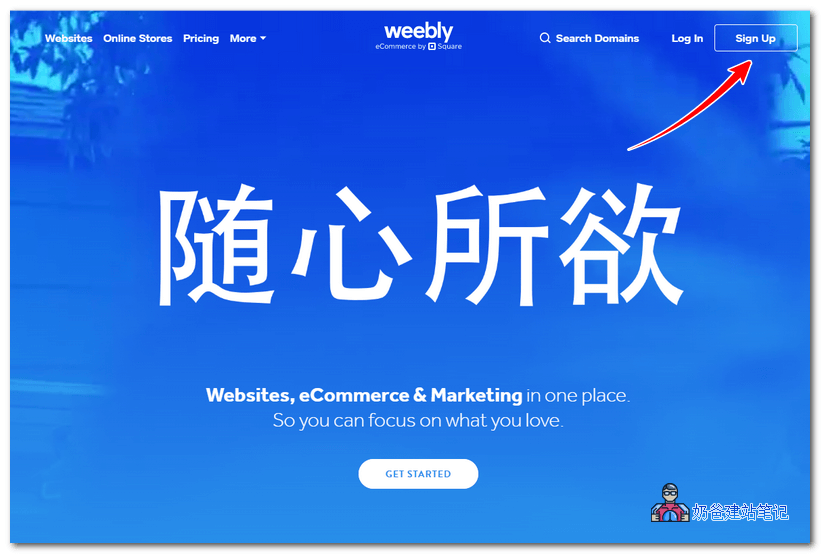
1. Go to Weebly's official website and click the Sign up button in the upper right corner.
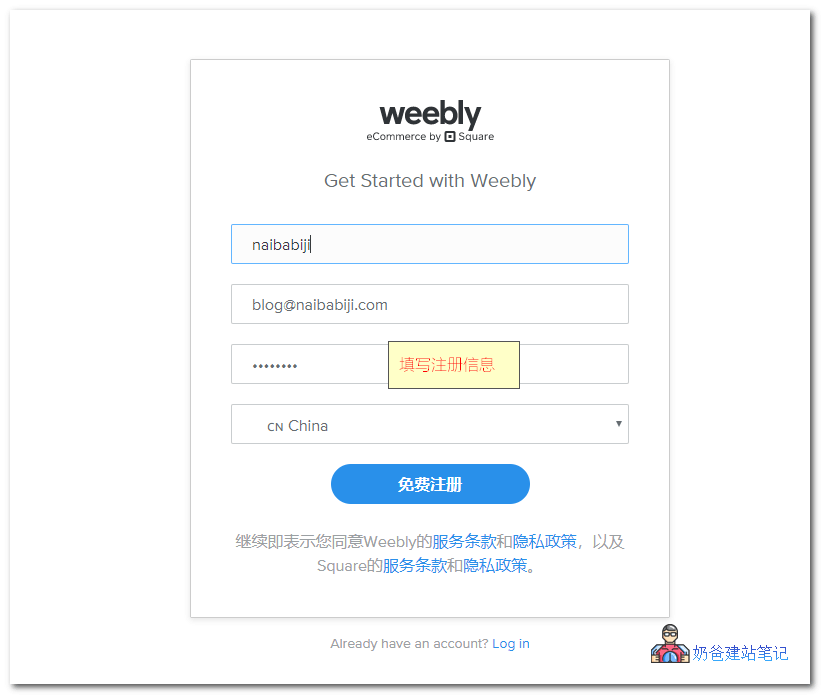
2. Enter registration information and register for free.
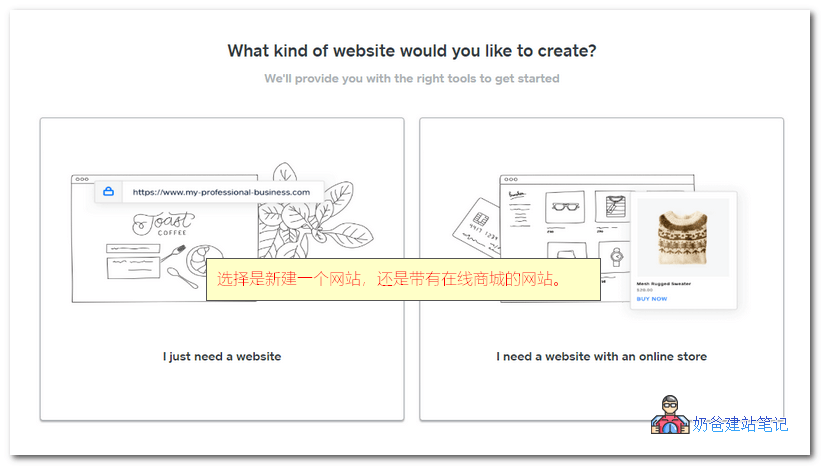
3. Choose whether you want to build a website or an online store website; foreign trade companies should definitely choose the online store.
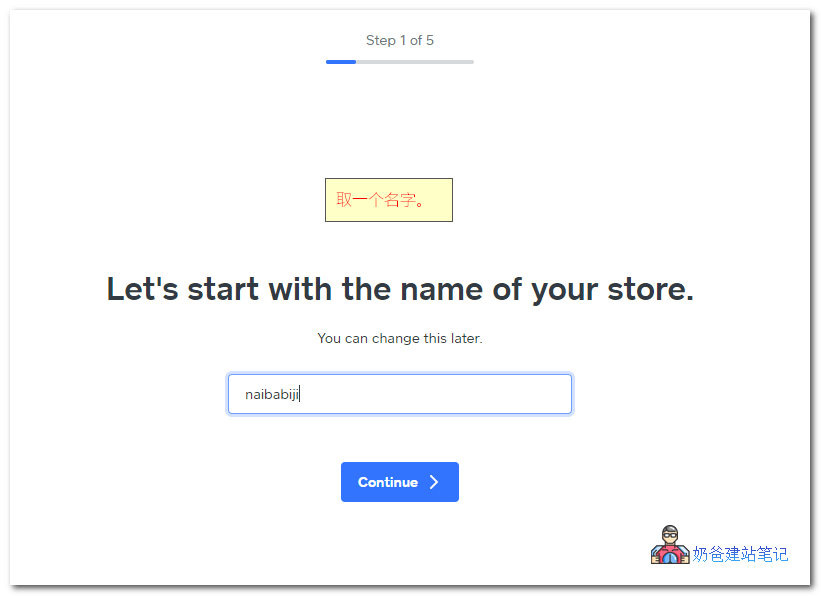
4. Give your store a name.
5. It asks about your current sales status; you can just choose any option.
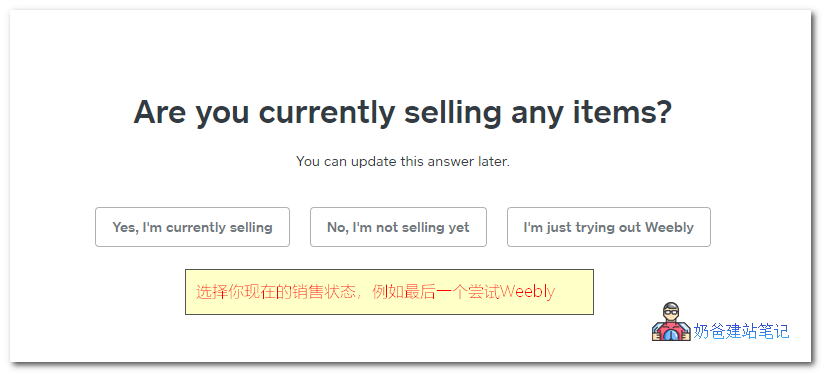
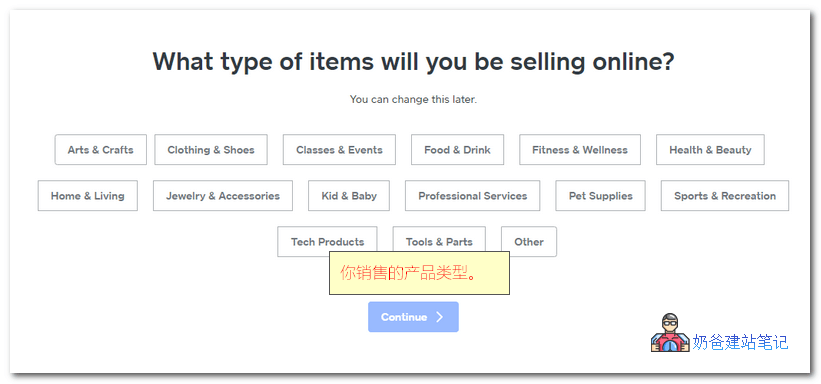
6. Select the product categories you want to sell.
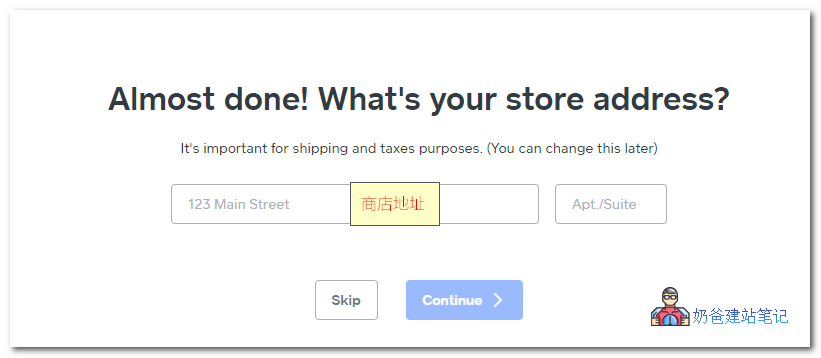
7. Set up a store address.
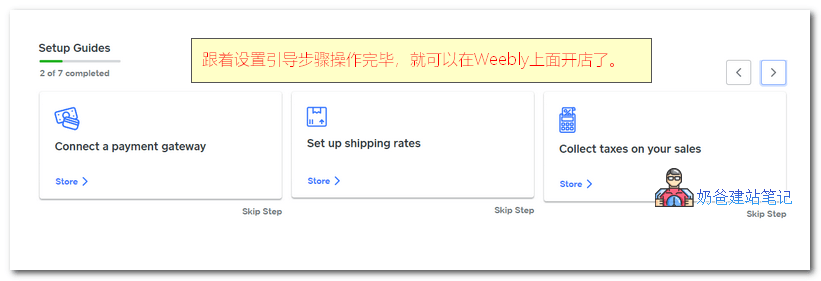
8. Enter the Weebly admin dashboard; there is a Setup Guides section—follow the steps one by one.
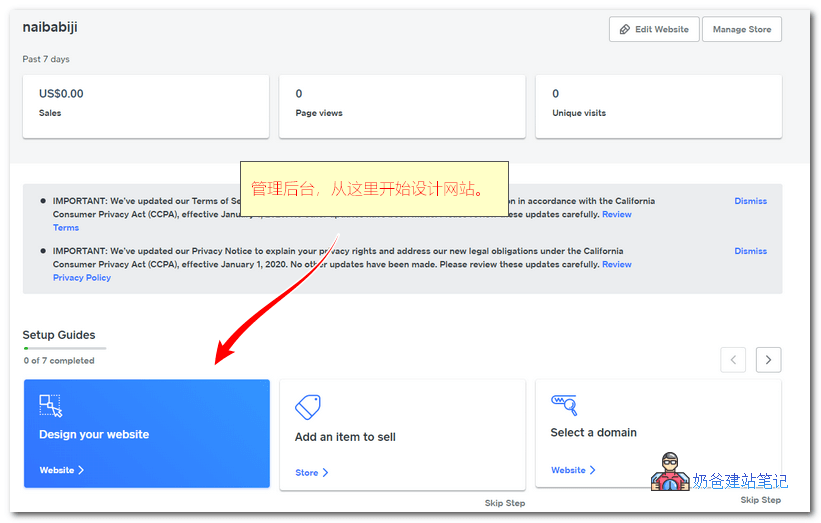
Click 'Design your website' to enter the website appearance design; first, it will prompt you to choose a theme.
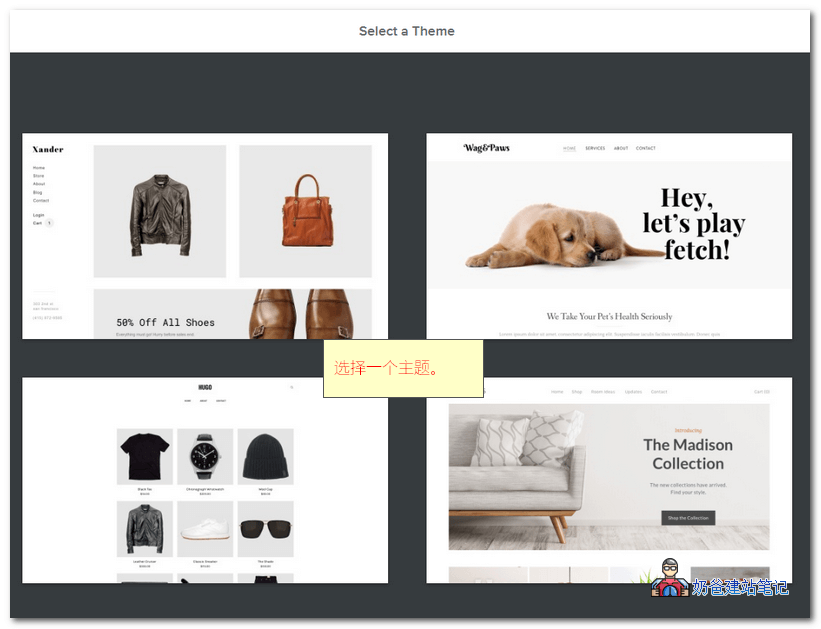
After selecting a theme, you can click the 'Start editing' button in the top right corner to edit the appearance.

Text content on the website can be directly modified; there are various tools on the left, such as text, images, videos, etc.
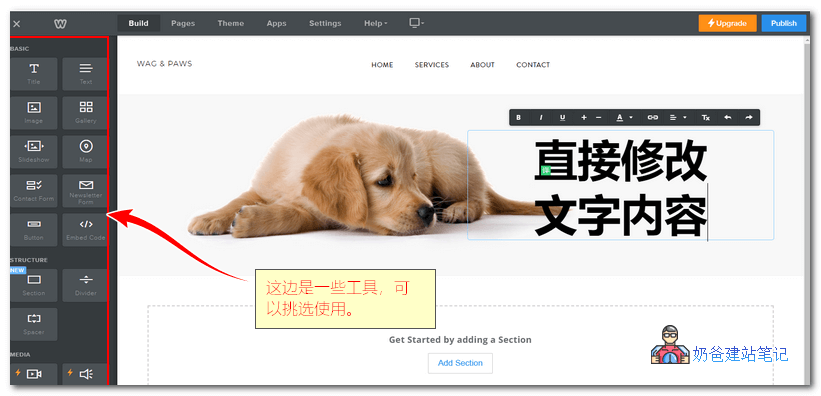
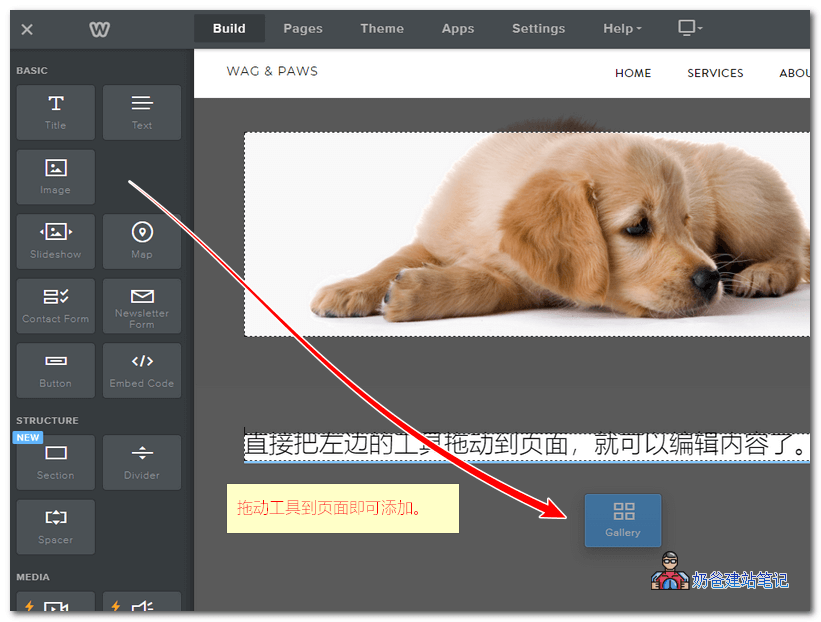
Select the module you want to add and simply drag it to the desired location on the website.
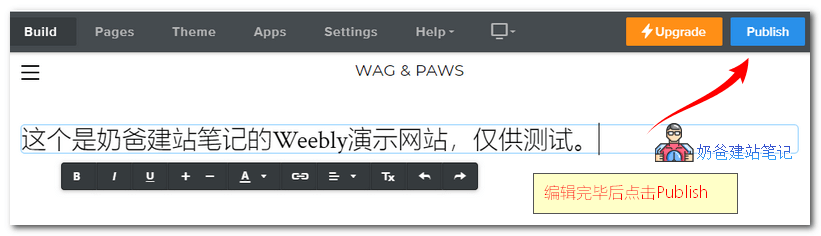
After designing, click the 'Publish' button in the top right corner to publish the website.
When publishing, a domain selection interface will pop up; you can either register a domain directly with Weebly or use your existing domain.
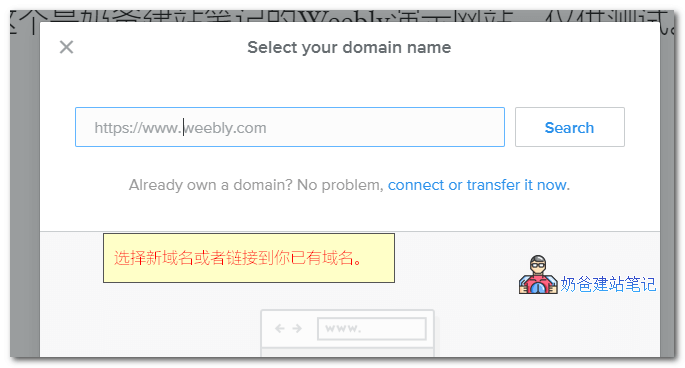
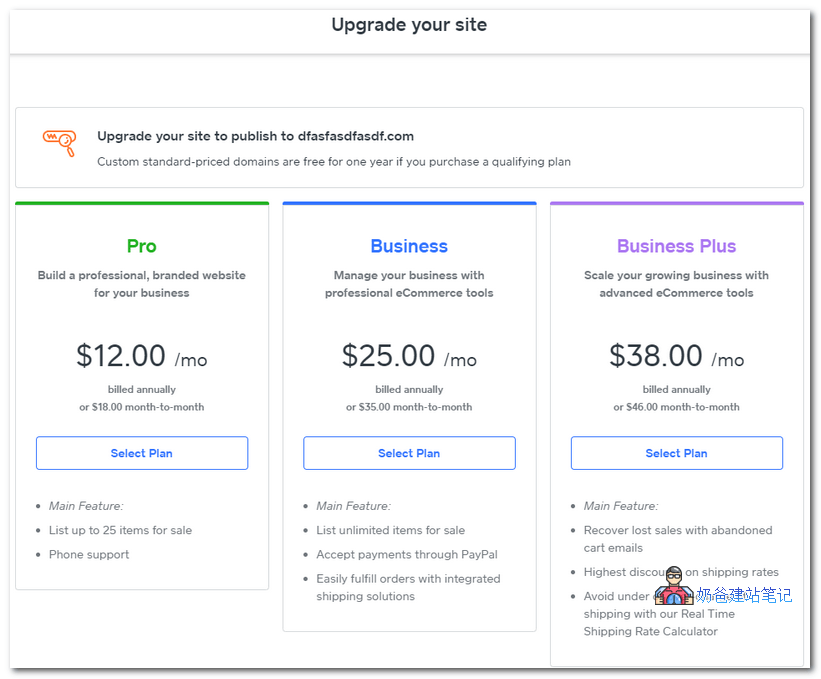
However, unfortunately, if you want to use a custom domain, you need to pay. Upgrading from the backend starts at $12/month, which is relatively expensive, and there are also sales commissions.
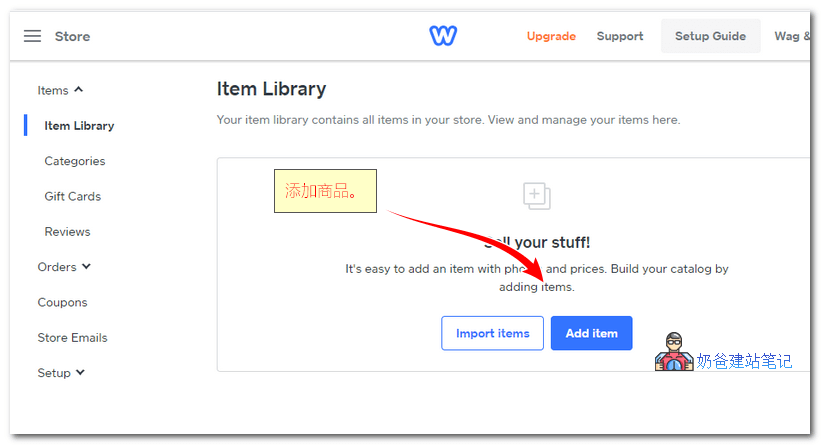
Weebly comes with a built-in store system, allowing you to add products directly.
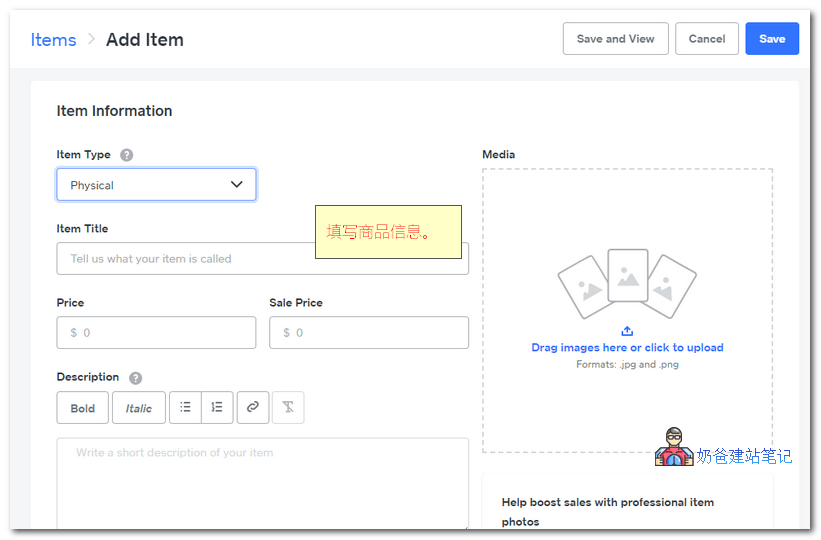
When adding products, you can choose product information and images, and also set SEO information.
As long as you follow the Setup Guides to completion, you can officially open a store on Weebly.
Is opening a store on Weebly good?
To bind your own domain and open a store on Weebly, you are required to upgrade to a paid plan. Therefore, we must analyze whether Weebly is worth building a website on before considering whether to upgrade.
Naiba's own opinion is that opening a store on Weebly is not good.
Why do I think opening a store on Weebly is not good? The reasons are as follows:
- The price is not cheap; besides the basic monthly fee, there are transaction commissions.
- Article editing is inconvenient; it is only suitable for websites with few articles, but such websites are not conducive to SEO optimization.
- Lack of autonomy; when you want to migrate to another platform, you will find it difficult to export data.
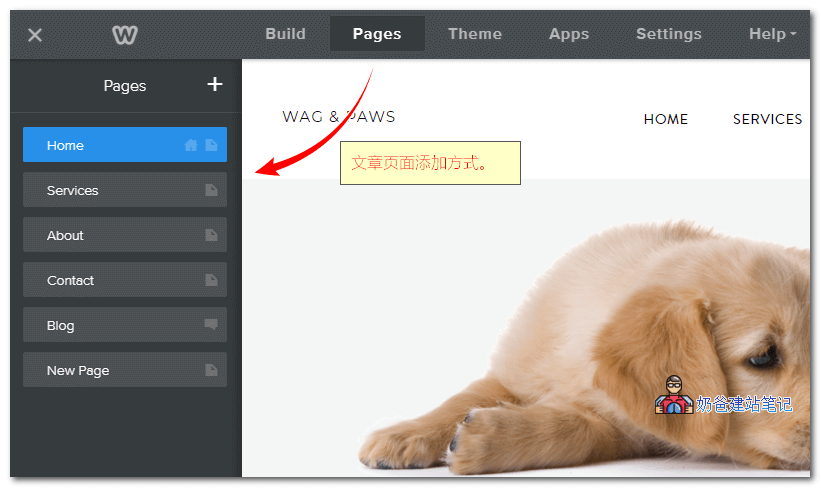
Publishing articles on Weebly is also done by adding Pages in the page builder. Think about it: every time you publish an article, you have to go to the backend to create a new page, layout, and then write text. How troublesome.
Naiba found two websites built with Weebly from the internet. If interested, you can open them and experience them yourself.
- https://www.rosemaryroche.com/
- http://www.danielleobrienart.com/
For websites like these two, you can easily build one with WordPress using just a domain and server cost, with a one-time fee and no commissions. Isn't that great?
Most importantly, with WordPress, your data is in your own hands, and you can easily import and export it. With Weebly, switching platforms is very troublesome because the official does not provide data export; you have to do it manually or pay a third-party service for help.
Therefore, Naiba's personal summary of the pros and cons of building a website with Weebly:
Advantages:
- Just pay, no need to worry about server maintenance or website building.
- Visual editor; you can create a beautiful website without coding (provided you have an eye for aesthetics on the front end).
- Integrates everything needed to set up an online store in one place.
Disadvantages:
- Lacks cost-effectiveness; you spend money but don't get good quality.
- Not conducive to SEO optimization and ranking; the chance of getting free search traffic from Google is low.
- Data is not free; you are essentially held hostage by the platform and cannot freely change servers or platforms.
Building a website with Weebly is not as cost-effective as using Shopify. If you want full control over your data without relying on a platform, then WordPress is the choice for most corporate websites.
For Shopify store setup tutorials, you canrefer here, and for more, read articles in theShopify category。
For building a website with WordPress, directly refer toWordPress Installation Tutorial. You can also choose Naiba'swebsite hosting service。
Related articles:How to Migrate from Weebly to WordPress