The security of a server is crucial, which includes avoiding the use of environment components with vulnerabilities. Recently,Nginx disclosed memory leaks and directory traversal vulnerabilities under specific configurations, so it is recommended to update to version 1.17.7 or higher.
Naiba will introduce how to update Nginx in the LNMP one-click package and Baota Panel environments.
Method for Manually Upgrading Nginx Version in LNMP
1. Use SSH software, such asxshell to connect to the VPS
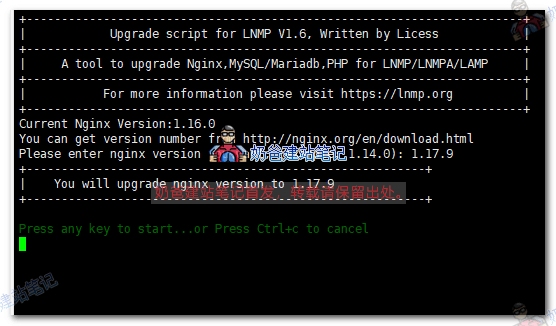
2. Switch to the lnmp installation folder and execute ./upgrade.sh nginx command
3. Enter version number 1.17.9 and press Enter to update
Method for Manually Updating LNMP Version in Baota Panel
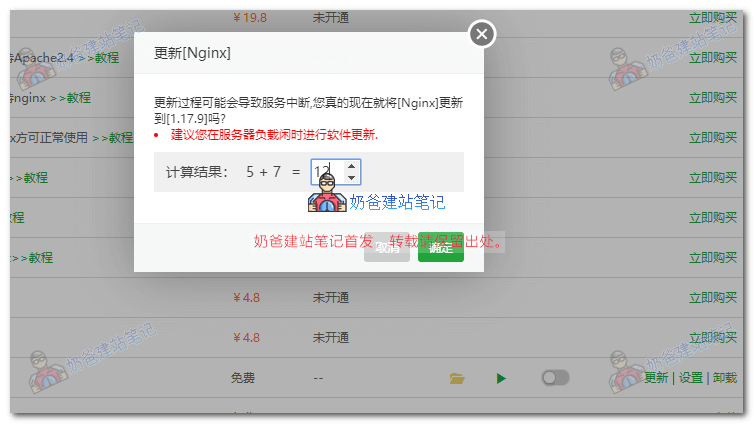
1. Log in to Baota Panel and enter the application list
2. Find nginx and click the update button next to it
3. Complete the verification question and update automatically