If you've added Google Adsense responsive ad code to your website, you'll likely encounter a default yellow background placeholder block when the ad hasn't loaded or hasn't been matched yet.
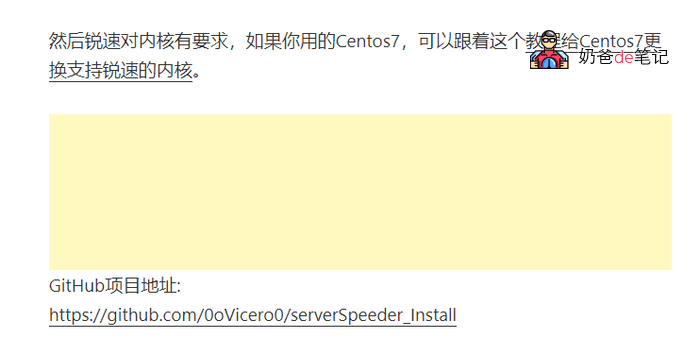
This yellow background can be quite jarring within the content, so we can fix it with the following CSS code.
ins.adsbygoogle { background: transparent !important; }If you're using WordPress, you just need toWordPress ThemesSelect Customize, then enter this code in the „Additional CSS“ section and save to remove the yellow box.
If you are not using WordPress, then add it to your CSS file.