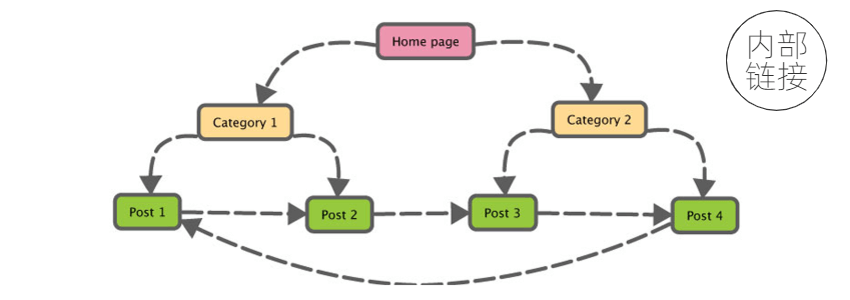
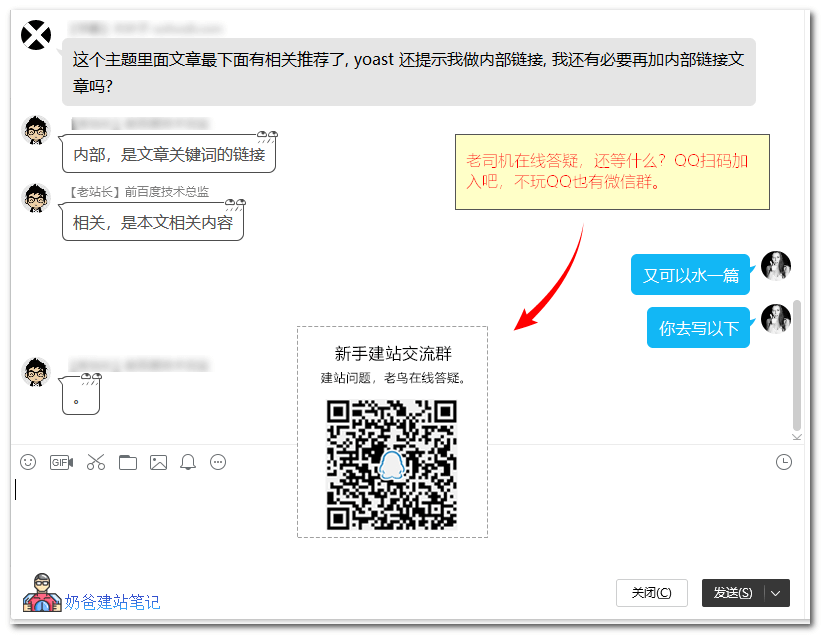
Internal links refer to links on a webpage that point to other pages within the same website, not the related posts recommendation at the bottom of website articles. This article teaches new website owners how to correctly create internal links for their websites.
What are internal links?
Internal links are a type of hyperlink on a webpage that points to another page or resource (such as an image or document) on the same website or domain. Depending on the target or destination of the hyperlink, they are considered „external“ or „internal“. Typically, links pointing to pages outside the same domain or website are considered external links, while links pointing to another part of the same webpage or to another page on the same website or domain are considered internal links.
For example:
WordPress users can installAddQuicktag(← This is an internal link) This plugin helps you manually insert internal links.
For a complete explanation of internal links, you can refer toBaidu Baike(← This is an external link).
Correctly Adding Internal Links
How to correctly add internal links?
Internal links have a significant impact on a website's SEO ranking, and everyone's understanding of SEO is different. There is no fixed answer for you to apply.
Google explains the role of internal links:
Google must continuously search for new pages and add them to its list of known pages. Some pages are already indexed because Google has crawled them before. When Google follows links to new pages from known pages, it discovers information about other new pages.
Naiba suggests that when you need to use something in an article, just add an internal link. For example, the plugin mentioned above is related to the article and users need it.
Another example: if you have a corporate website and you introduce a certain technology in an article, and your service can solve the related problem, you can appropriately link the keyword to your service details page.
Don't add internal links just for the sake of adding them. First and foremost, base it on the user experience of the website. Doing website SEO only helps you get rankings and more traffic. Without good experience, traffic won't convert.