
In some cases, when upgrading WordPress, you may encounter the error message „Another Update in Process“. To resolve this issue, you can use the following methods:
Method 1: Use the plugin Fix Another Update In Progress
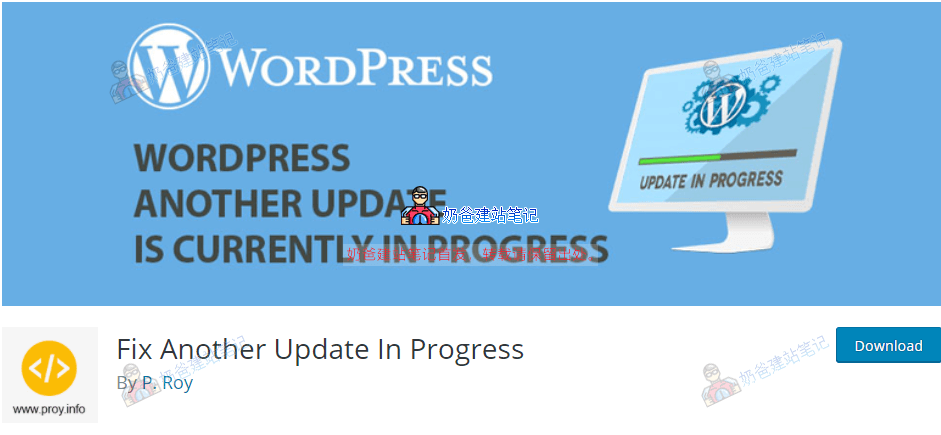
After installing this plugin, enable it in the admin dashboard, then find the plugin settings to proceed.
Method 2: Use code
Edit the theme, add the following code to the theme's functions.php file, then test the update again. Delete the code once it's successful.
global $wpdb;
$wpdb->query("DELETE FROM wp_options WHERE option_name = 'core_updater.lock'");
Method 3: Delete via database
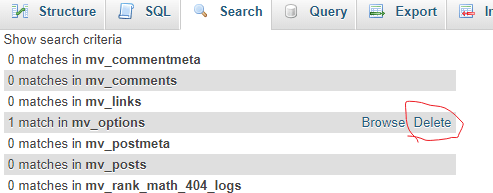
Enter the website database, then search for core_updater.lock, and delete the corresponding content.
All three methods above can solve the „Another Update in Progress“ error. However, different website environments may not work with every method. If you find it troublesome, method three is the most effective.