
在SiteGround TutorialIn this article, Naiba suggests that novice users can save trouble by purchasing domains directly from SiteGround. So, how do you find SiteGround's IP for DNS resolution if your domain is registered elsewhere? This Naibabiji article teaches you how to check SiteGround's server IP.
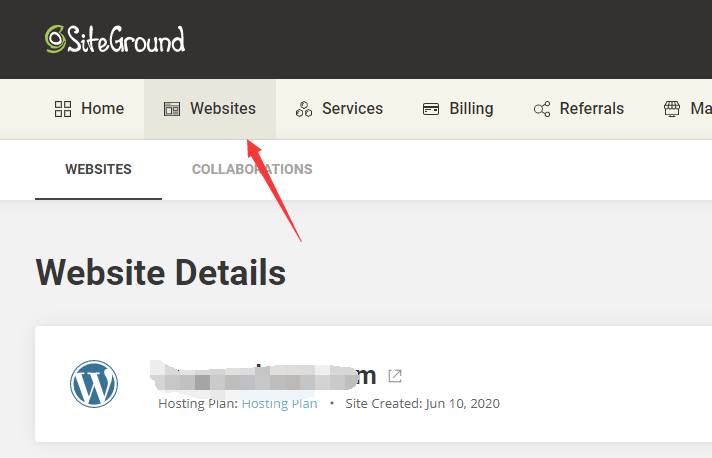 First, log in to SiteGround and select 'WebSites' from the top navigation bar.

Then click on 'SITE TOOLS'.
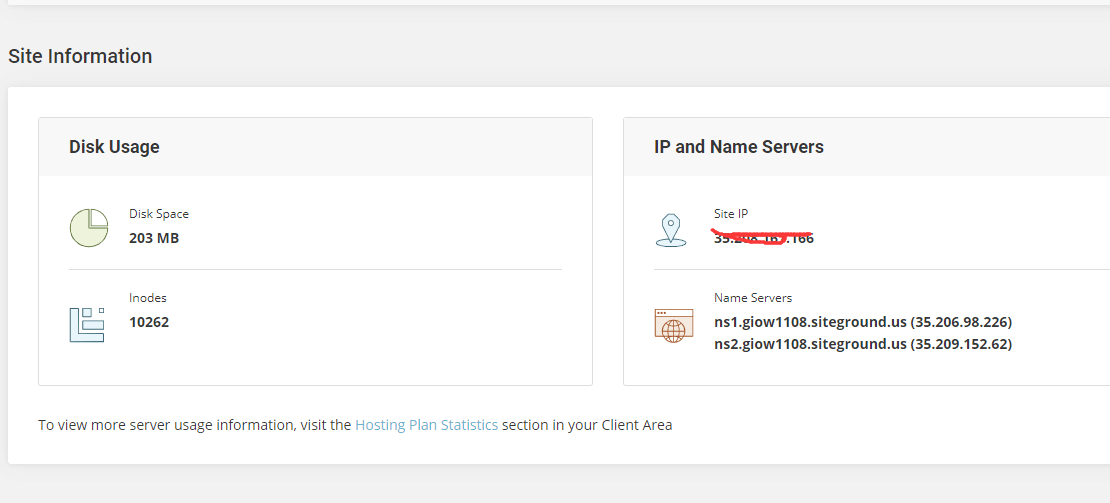 Then, on the right side of the page, under Site Information, you can see IP and Name Servers.
If you are only adding an A record for the domain, just fill in the IP.
If you want to change Name Servers and let SiteGround automatically add records for you, then modify your domain's Name Servers. See the previousTutorial on DNS resolution and DNS server modification for NameSilo domains