
Building a Foreign Trade Website with WordPressMost websites willuse WooCommerce to build an e-commerce system, then you will encounter issues related to products. By default, they are displayed as „You may also like“ and „Related products“—one is for associated/recommended products, and the other is for related products.
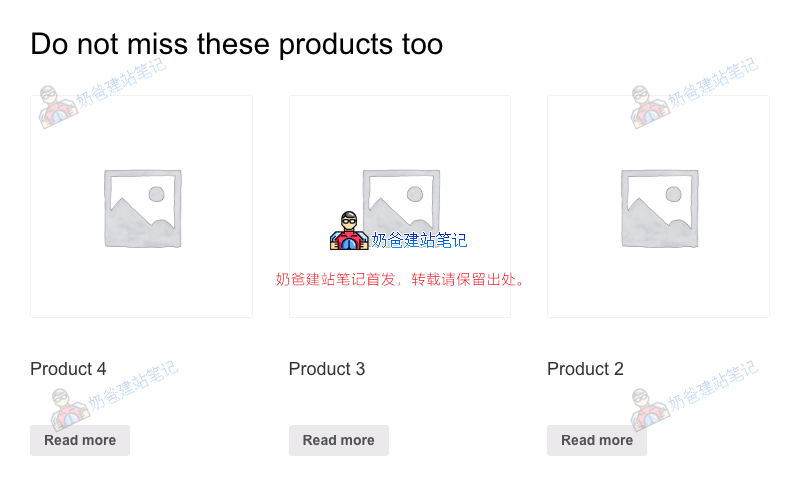
There are two methods to modify the text display of „You may also like“ and „Related products“: one is to modify the theme template files, and the other is to override them via function code.
Method of modifying the theme template
These two terms can be found and modified in the source code within WooCommerce's templates, specifically in the following files.
single-product/related.php
single-product/up-sells.php
cart/cross-sells.php
Method of overriding via function file
If modifying the theme template is troublesome, you can also achieve the modification by overriding with function code.
add_filter( 'gettext', 'misha_custom_related_products_text', 20, 3 );
function misha_custom_related_products_text( $translated_text, $text, $domain ) {

if( $translated_text == 'Related products' // for Related products
|| $translated_text == 'You may also like…' || // for Upsells
|| $translated_text == 'You may be interested in…' ) { // for Cross-sells
$translated_text = 'Do not miss these products too'; // new title
}

return $translated_text;

}