
Hello everyone, I'm the new editor, known as Brother Lei Feng. Recently, Brother Lei Feng found that many websites support Google Chrome PWA applications. The PWA feature can turn a website into an app-like application, supporting PC and mobile. The advantage is that you don't need Android development skills to generate an Android app for your website. If the website supports caching technology, you can also read website content offline.
Currently, Weibo also supports PWA. When you open the mobile version of Weibo, it will prompt you to install the app.
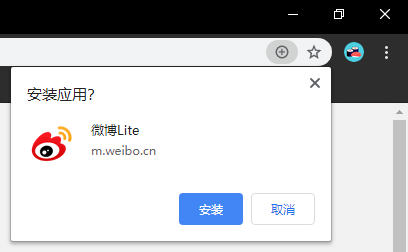
The installed Weibo PWA application can basically be used as a client, and it's ad-free.

So the question arises, how can WordPress also support PWA functionality?
Without modifying the theme template, Brother Lei Feng found several plugins that enable WordPress websites to support PWA:Super Progressive Web Apps、PWA for WP & AMP、PWAAmong these three, Super Progressive Web Apps offers the best customization and compatibility, so below I'll introduce Super Progressive Web Apps.
PWA Plugin Super Progressive Web Apps Introduction:
After installing the Super Progressive Web Apps plugin, you can set your PWA app name and website description. For icons, you can set a 192×192 PWA app icon and a 512×512 launch app icon.
In terms of style, you can only modify colors. If your website theme already supports responsiveness, it should be fine. You can also set the default start page and offline page.
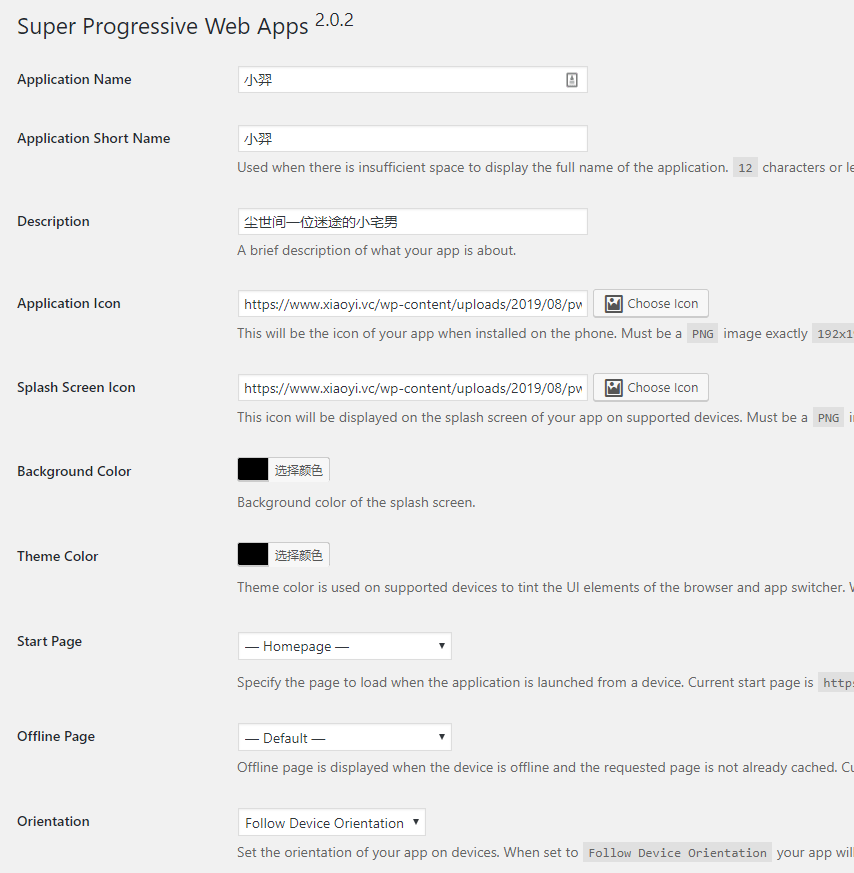
Add-Ons for SuperPWA Extension Settings:
Super Progressive Web Apps also provides extension plugins that can enableUTM Data Tracking 和 Apple Touch Icon. If you are using an Apple device, it is recommended to enable the touch icon.

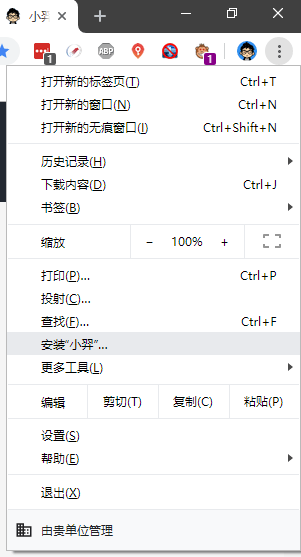
After all settings are configured, open your website in Google Chrome, and the option to install PWA will appear in the menu.
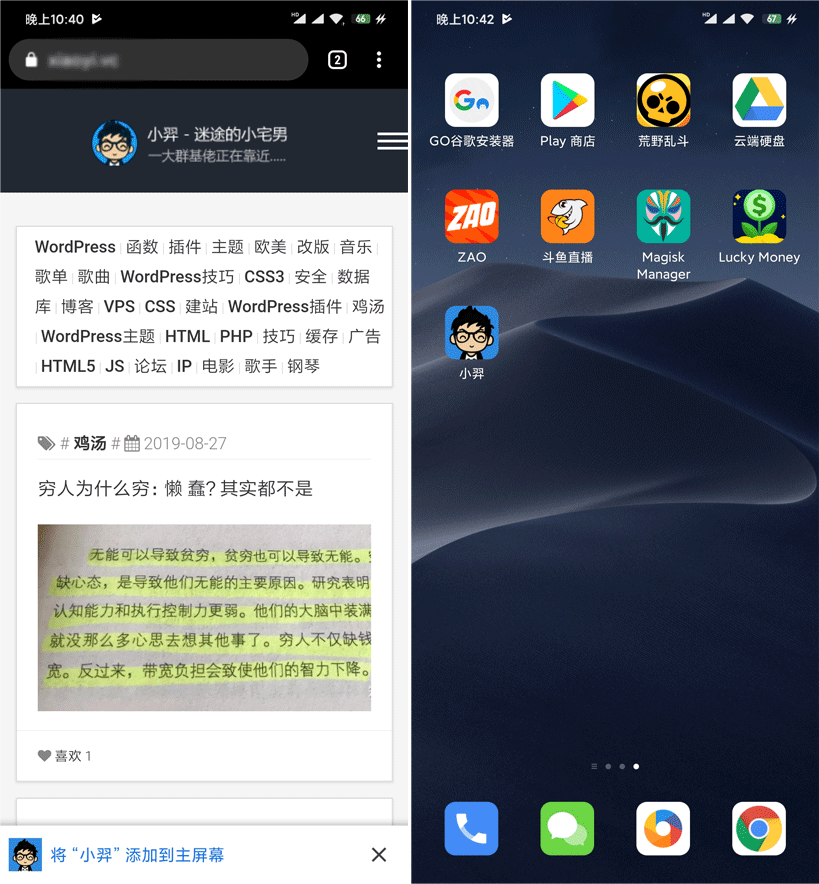
When opening the website on a mobile device, the following will appear at the bottom:„Add “XXX„ to Home Screen“, and then your website's APP will appear on the desktop.
Overall, it's very simple to make a WordPress website support PWA. If you don't want to use a plugin, you can also develop a theme template to support PWA functionality. Sample code to make a website support PWA:Visit。