
WordPress, in its newer versions, enables the Gutenberg editor by default. However, when writing articles in the backend, the Gutenberg editor's width is fixed and very narrow, which is not very convenient. Therefore, we can use CSS code to make the Gutenberg editor display at full width (adjusting according to the browser window size).
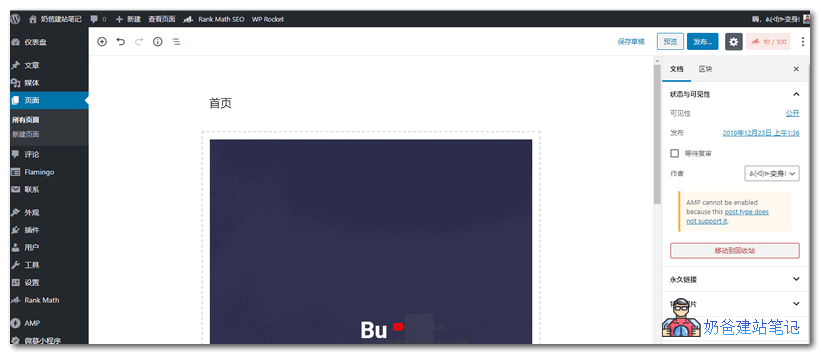
By default, if the Gutenberg editor width is not set, the editing window when writing articles in the backend is only as small as shown in the image below, which is very obstructive.
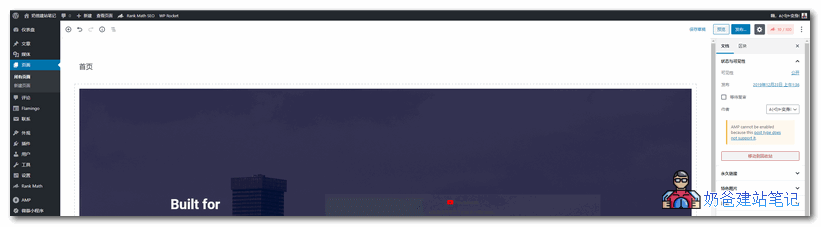
After modifying it with CSS code and setting it to adapt its width according to the browser window size, the view becomes much more open. As shown in the image below:
Implementation Method
We can directlytheme's functions.php fileinsert the following code inside:
/**
 * 设置古腾堡编辑器显示宽度为全宽
 */
add_action('admin_head', 'editor_full_width_gutenberg');

function editor_full_width_gutenberg() {
  echo '<style>
    body.gutenberg-editor-page .editor-post-title__block, body.gutenberg-editor-page .editor-default-block-appender, body.gutenberg-editor-page .editor-block-list__block {
		max-width: none !important;
	}
    .block-editor__container .wp-block {
        max-width: none !important;
    }
  </style>';
}
If you don't know how to add it, you can use:
You can also install the pluginEditor Full Width Gutenbergto achieve this (the above code is copied from this plugin).