
Enfold is a responsive WordPress multipurpose theme that can create various website interface effects desired by businesses. After building a corporate website yourself, if you want to modify the slideshow images and links, thenHow to modify the slideshow poster image using Enfold?
The method to modify slider images after building a website yourself using the Enfold theme is as follows:
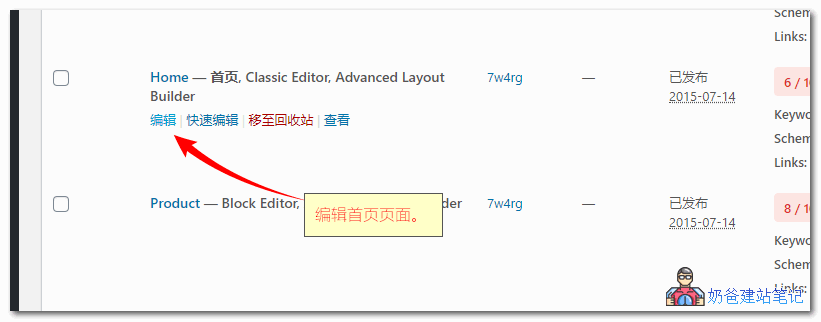
1. In the WordPress admin dashboard, switch to Pages, then click the Edit button for the homepage; alternatively, you can directly click the Edit Page button at the top of the website homepage to enter.
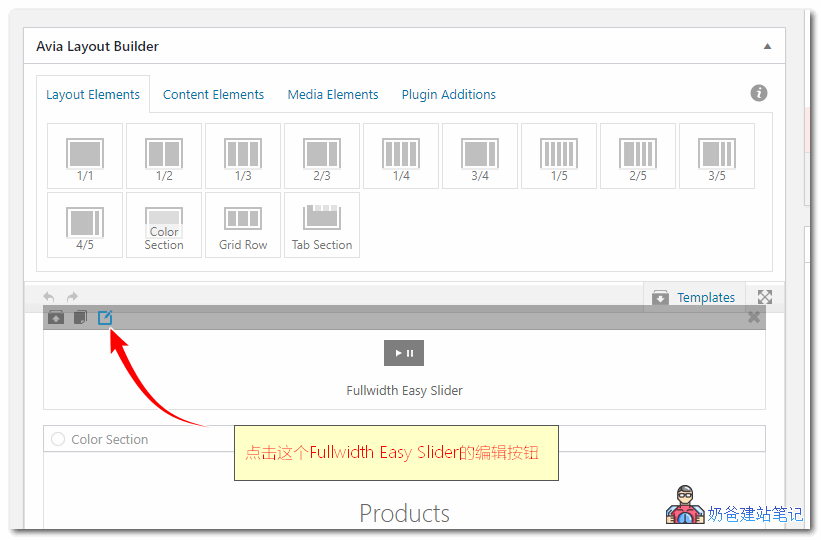
2. Move the mouse to the edit button of the Fullwidth Easy Slider.
3. On the pop-up page, you can see your current poster images; click on any one to edit the image.
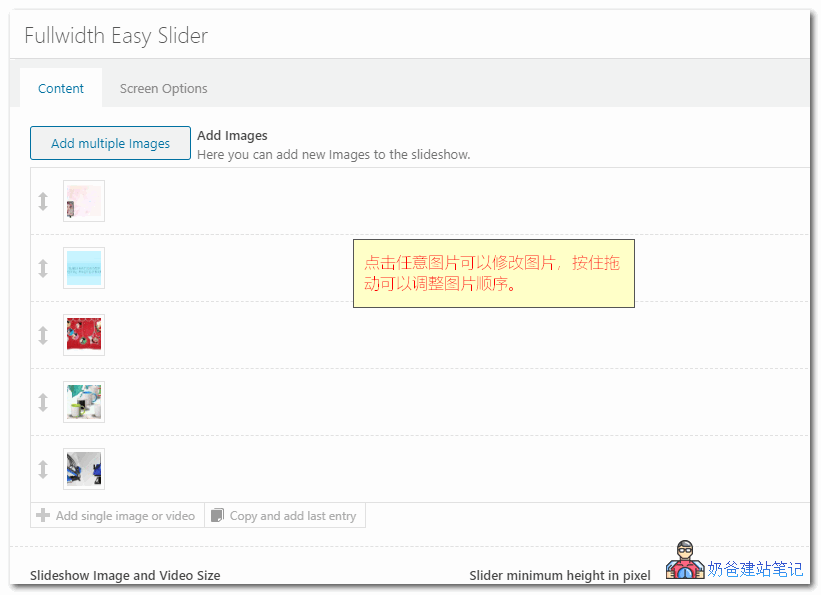
4. Hold the arrow in front of the image to adjust the order; if you want to delete an image, simply click the × button behind the image to delete it.