After upgrading to WordPress 5.3, you might not know how to link images to media files when publishing posts in the Gutenberg editor. Naiba here teaches you how tolink images to media files.。
 After uploading an image, click on the image, then select the link icon that appears, and choose Media File.
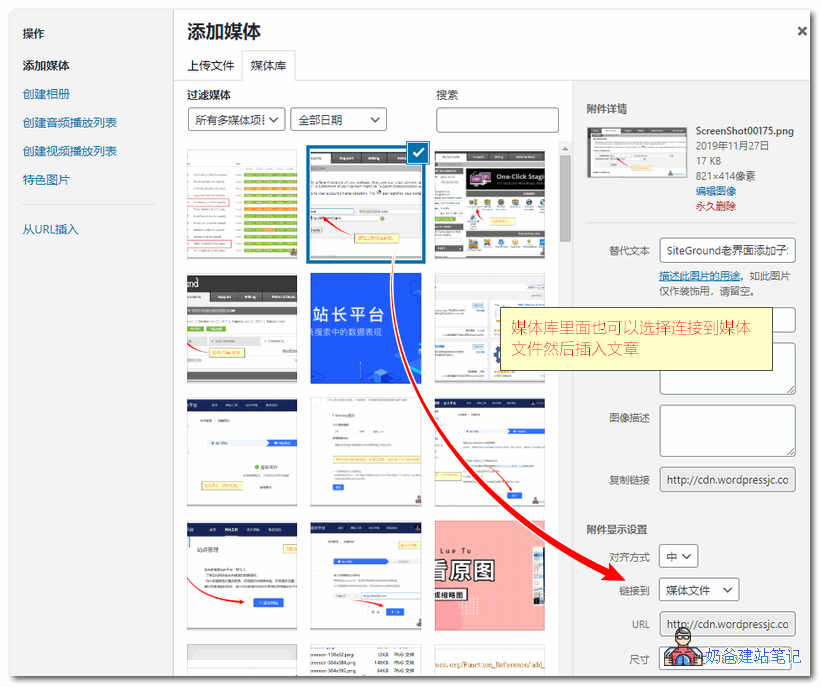
How to add images to a post?
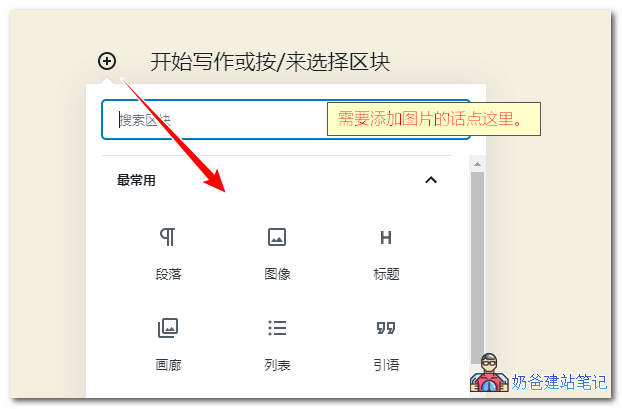
If you are using the built-in Gutenberg editor, the location to upload images is to click the plus sign in the upper left corner, then select Image, and you can upload and insert images.
Note: Some hosts may fail to publish images when publishing with WP 5.3, promptingError message: This response is not a valid JSON response.