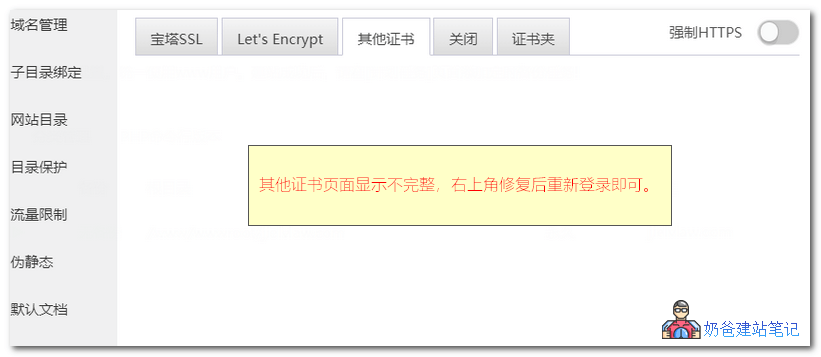
When configuring an SSL certificate in Baota Panel, if you upload your own certificate files to the 'Other Certificates' interface and find the upload area is not displayed, you can resolve this issue by clicking 'Repair' in the top right corner of the panel and then logging in again.Solution for Incomplete Display on Baota Panel SSL Certificate Management 'Other Certificates' Interface
When configuring an SSL certificate in Baota Panel, if you upload your own certificate files to the 'Other Certificates' interface and find the upload area is not displayed, you can resolve this issue by clicking 'Repair' in the top right corner of the panel and then logging in again.🚀 Still feeling confused after reading the tutorial? Let me guide you step-by-step.
「Naibabiji WordPress Website Building Coaching Service」—From choosing a domain and buying hosting, to installing a Theme and publishing content, I「ll coach you through every step, helping you avoid detours and reach your goal directly.
👉 Learn about the Website Building Coaching Service
Comments are closed
The comment function for this article is closed. If you have any questions, please feel free to contact us through other channels.