
Previously, Naiba shared „4 WordPress Plugins That Require a Password to Access the Website_Password to View Content" method, today I will share with you how to implement a method that requires a password to download files.
To download content after entering a password in WordPress, we use the Simple Download Monitor plugin.
1. Search for „Simple Download Monitor“ in the WordPress backend and install it.
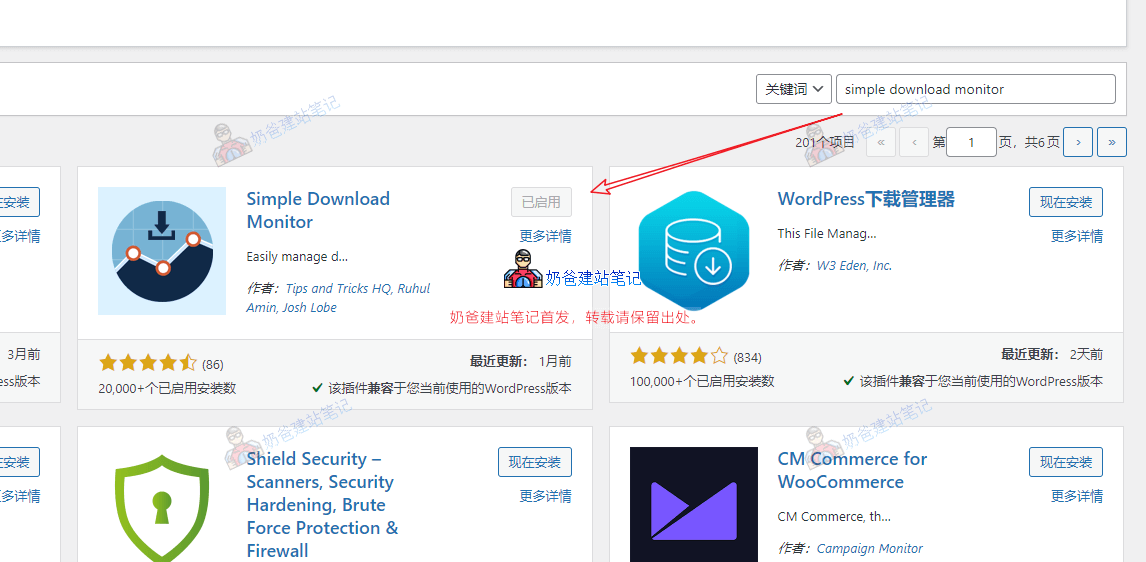
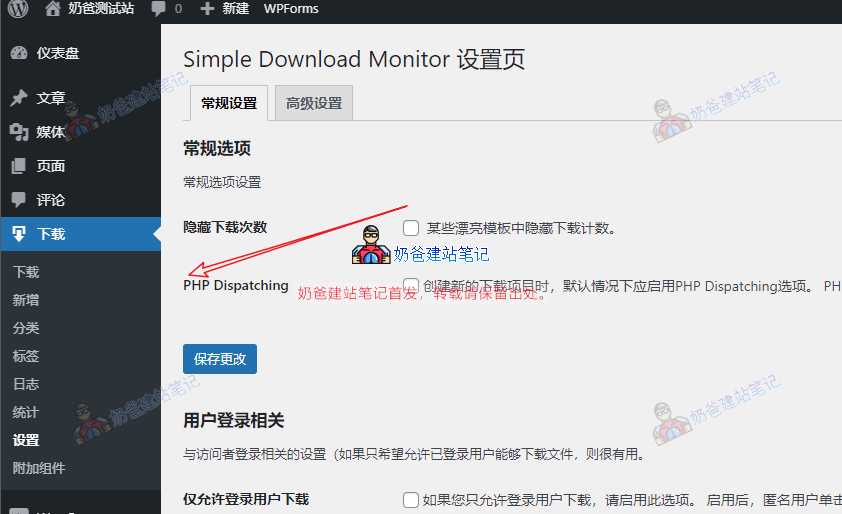
2. Activate the plugin. You can find the corresponding settings entry in the left-hand menu bar of the Admin Dashboard to make necessary configurations.
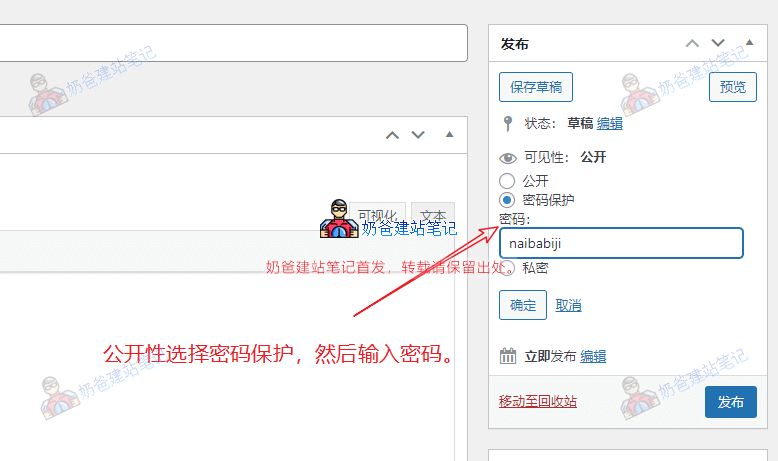
3. Add a new downloadable file. In the Visibility section, select Password Protected, then publish it.
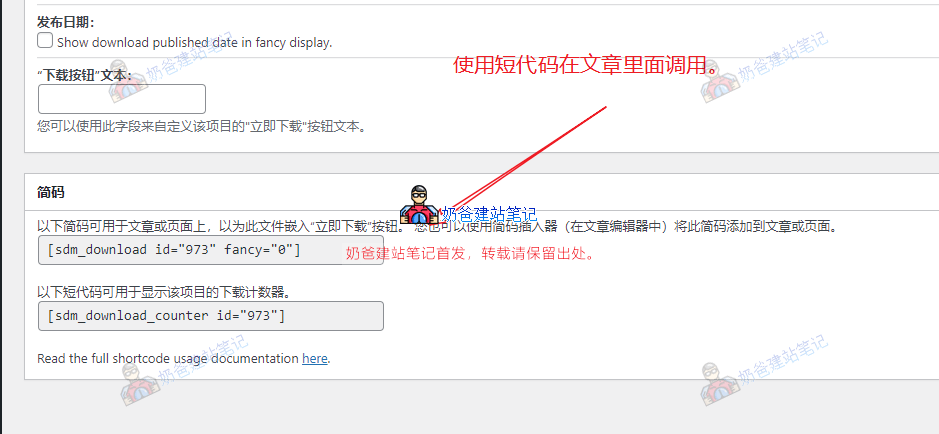
4. Copy the shortcode for this resource, then call it via the shortcode.
5. The final effect after publishing the post.
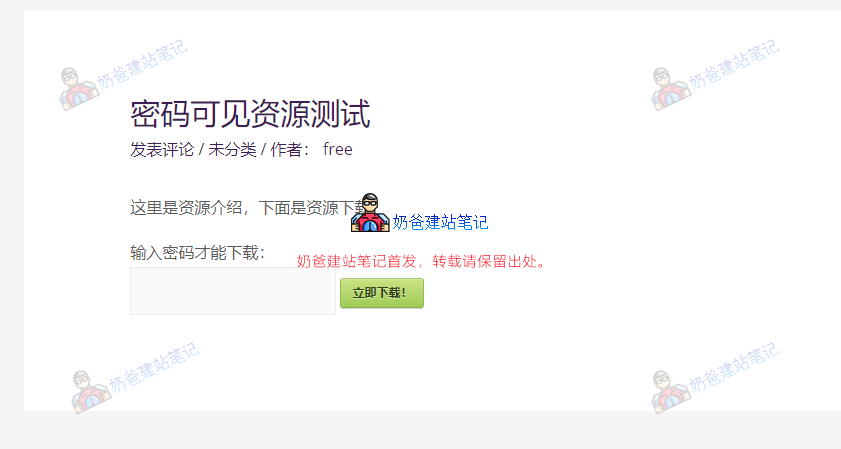
Finally, enter the correct password on the website frontend to download the resource.
Related articles:
- Blog Traffic to Official Account Auto-generates Verification Code: WeChat Official Platform Verification Code Viewing Plugin
- Method for WordPress to Require Following a WeChat Official Account to Reply for Visibility and Read More