Home Website News Articles Standard Post

Standard Post

Solution for Incomplete Display on Baota Panel SSL Certificate Management 'Other Certificates' Interface

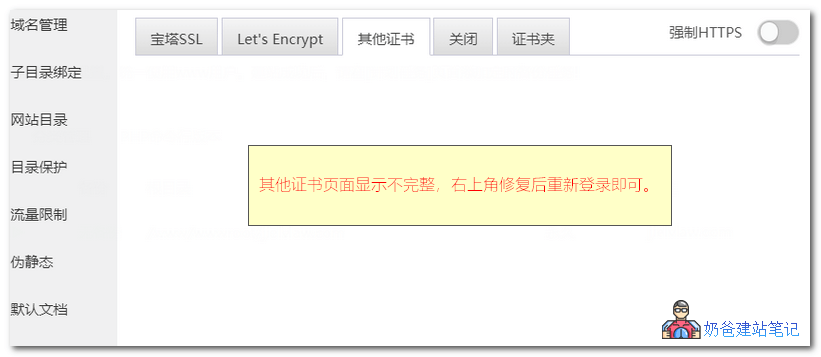
When configuring an SSL certificate in Baota Panel, if you upload your own certificate files to the 'Other Certificates' interface and find the upload area is not displayed, you can resolve this issue by clicking 'Repair' in the top right corner of the panel and then logging in again.

Posted on December 25, 2019 About 1 minute read

宝塔面板SSL其他显示不全

When configuring an SSL certificate in Baota Panel, if you upload your own certificate files to the 'Other Certificates' interface and find the upload area is not displayed, you can resolve this issue by clicking 'Repair' in the top right corner of the panel and then logging in again.

2.1/5 - (7 votes)
Previous 3 Methods to Exclude Specific Category Articles from Displaying on the WordPress Homepage Continue reading content around the same timeline. Next Fast, Lightweight, Customizable Multipurpose WordPress Theme: Astra View the next related tutorial or experience.

AI Website Building Assistant

🤖
Hello! I am the Naibabiji AI Assistant. How can I help you?
Quick Consultation: