
WordPressを使用した外国貿易向け独立サイト構築ほとんどのサイトでは、WooCommerceを使用してECシステムを構築します。そうすると、関連製品の問題に遭遇します。デフォルトでは„You may also like“と„Related products“と表示されます。一つは関連/おすすめ製品、もう一つは関連製品です。
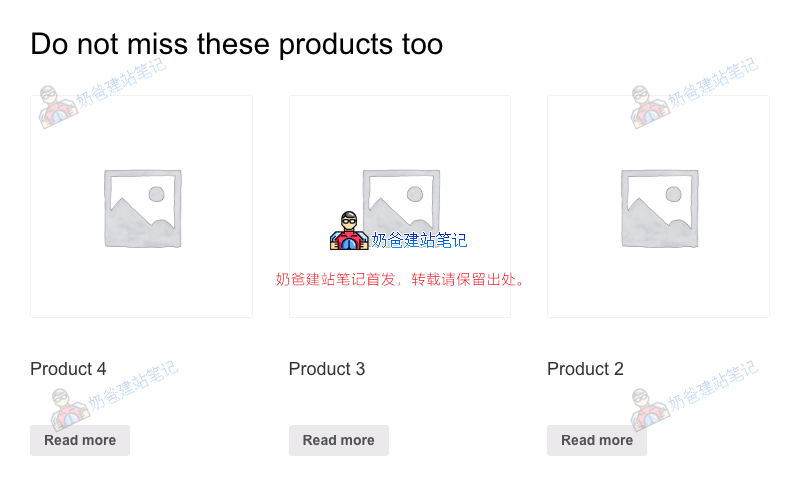
„You may also like“と„Related products“という2つのテキスト表示を変更する方法は2つあります。一つはテーマテンプレートファイルを変更する方法、もう一つは関数コードで上書きする方法です。
テーマテンプレートを変更する方法
これらの単語は、woocommerceのテンプレート内でソースコードを見つけて変更することができ、以下のファイルです。
single-product/related.php
single-product/up-sells.php
cart/cross-sells.php
関数ファイルで上書きする方法
テーマテンプレートの変更が面倒だと感じる場合は、関数コードで上書きする方法でも変更を実現できます。
add_filter( 'gettext', 'misha_custom_related_products_text', 20, 3 );
function misha_custom_related_products_text( $translated_text, $text, $domain ) {

if( $translated_text == 'Related products' // for Related products
|| $translated_text == 'You may also like…' || // for Upsells
|| $translated_text == 'You may be interested in…' ) { // for Cross-sells
$translated_text = 'Do not miss these products too'; // new title
}

return $translated_text;

}