
Which WordPress theme is good for a foreign trade website?
Naibabiji shares the correct ideas and methods for selecting a WordPress foreign trade theme template, as well as some excellent WP foreign trade theme recommendations. 
Preface:
WordPress theme templates are not equal to template-based website building
WordPress is the website building program chosen by many foreign trade independent websites. Using WordPress inevitably means coming into contact with WordPress themes (templates). Friends who haven't used
WordPress to build their own foreign trade websitemight easily equate the template-based website building you understand with WordPress website building. Actually,
WordPress theme templates cannot be equated with template-based website building. Usually, when we talk about template-based website building, the program dictates what content goes where—no more, no less. However, the WordPress template is just the website's appearance; you can set and adjust what content is displayed and where it appears. You can also modify or change theme templates at any time without losing website content. With template-based website building, any modification requires a programmer, and if the initial program didn't consider future expansion, implementing or modifying some features can be troublesome and less flexible than WordPress.
For commercial websites, don't waste time on free themes and cracked themes
WordPress has thousands of theme templates for you to use, including free, paid, and cracked ones. For commercial websites, Naiba does not recommend wasting time on free themes and cracked themes. Choosing a suitable paid theme can save you a lot of time and effort when launching and operating your website. Free themes have limitations in some features. Unless your company has programmers familiar with WordPress development, paid themes can easily help you achieve specific functions and requirements. Cracked themes, on the one hand, lack security guarantees, and on the other hand, you cannot obtain theme technical support. If you are unfamiliar with or don't know how to use some theme features, official technical support can help you avoid many detours.

How to correctly choose a WordPress theme template
Current state of WordPress themes
WordPress has an official theme repository (
https://wordpress.org/themes/) where themes can be installed and used for free. However, many themes are only lite versions; to use the full version features, you need to upgrade to the Pro version. Paid WordPress themes have dedicated sales platforms and are sold on the theme's own website. Well-known paid WP theme marketplaces include
Themeforestand
templatemonster. Themeforest's prices are relatively cheaper. Naiba hasn't used templatemonster; those interested can check it out themselves. Some excellent WordPress themes have started selling on their own official websites instead of sharing profits with platforms, such as DIVI,
AstraThese themes. Currently, there are relatively fewer authors creating WordPress themes in China compared to a few years ago. More have developed into small teams and started selling premium themes. However, for foreign trade websites, themes by domestic authors are not very suitable. For domestic websites, choosing themes by Chinese authors is a good option.
How to choose a foreign trade theme?
When you open any WordPress theme website, you'll find, wow, so many themes, which one do I need? Below are Naiba's suggestions for everyone when choosing a WordPress theme template for a foreign trade website.
1. You can choose from popular theme lists

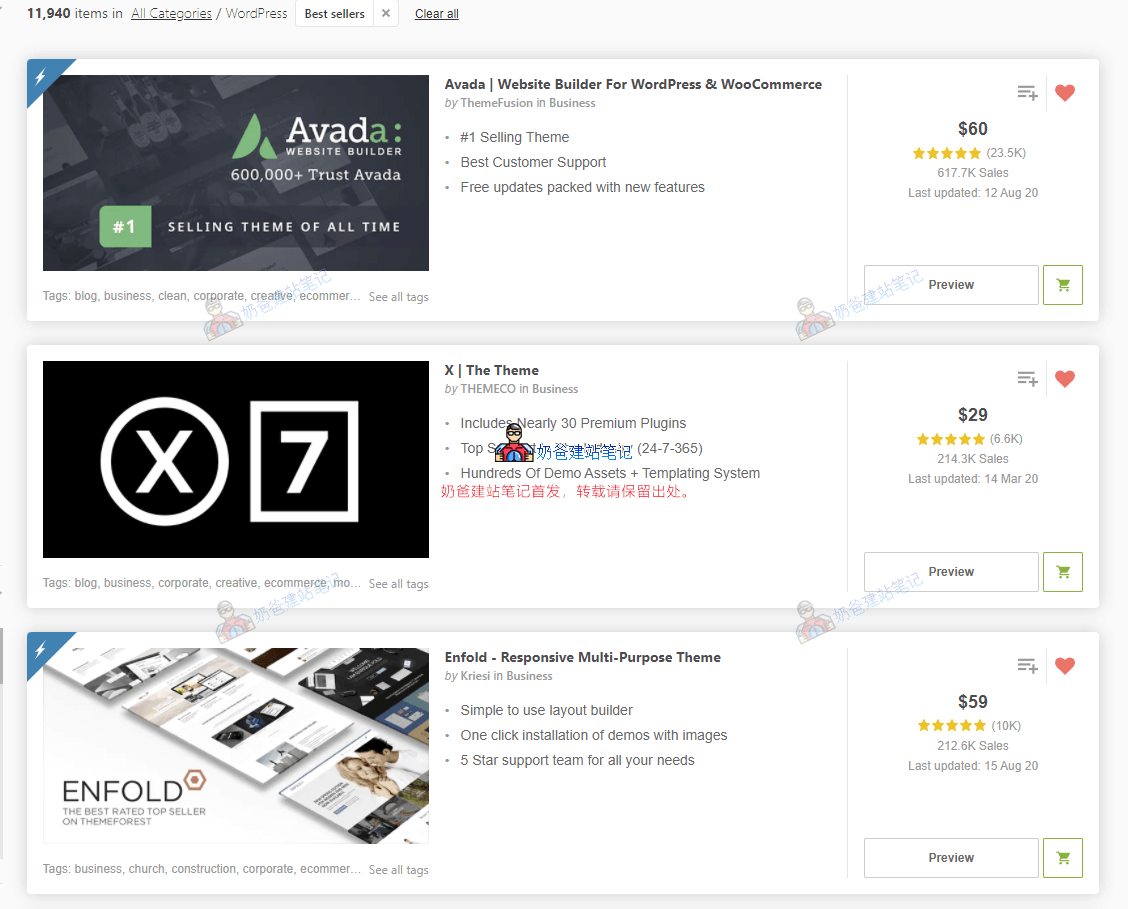
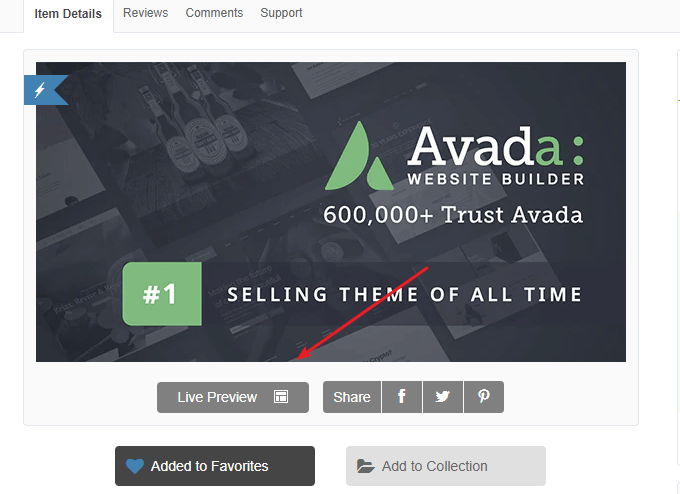
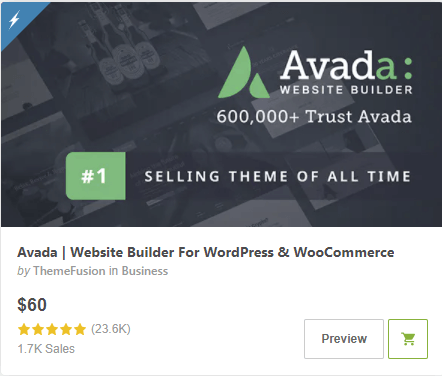
Taking Themeforest as an example, the most popular and best-selling theme there is Avada (popular themes not sold on these platforms include: Divi, Astra, Oceanwp, Generatepress). You may have searched for reviews about Avada online, and many people say Avada is bloated, too old, etc. However, the built-in functions of the Avada theme can easily help you achieve many desired features. Moreover, when you don't understand theme settings, Avada has extensive documentation, and it is also the most used theme among domestic foreign trade practitioners.
Popular themes, compared to non-popular ones, have more comprehensive features, higher stability, and better technical documentation.2. Do not choose themes that are too new

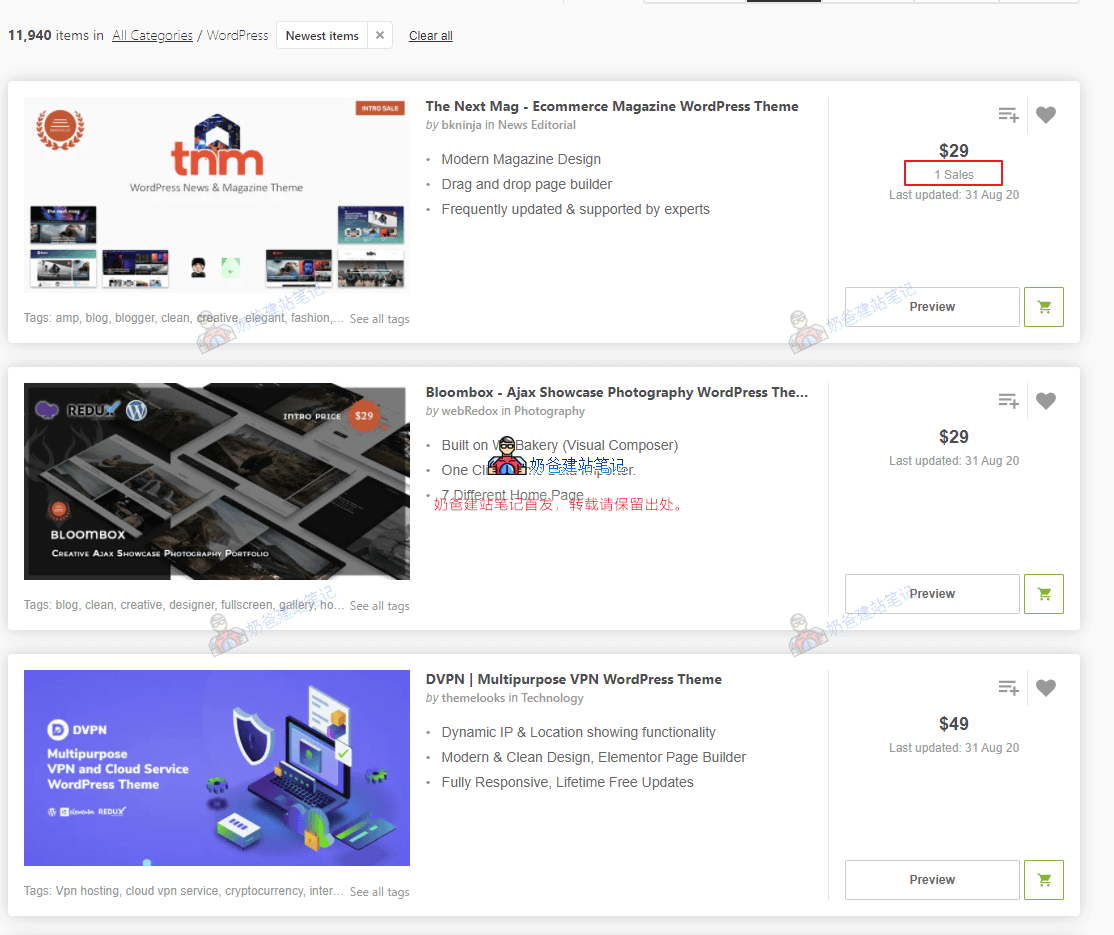
Some new premium themes are relatively cheap, and you might think that themes used by too many people are monotonous, wanting to be unique, so you choose a new, less-used theme. If you don't have some basic web design knowledge, it's best not to do this. Because many new themes have relatively fewer features, and the theme's completeness may not be very high. Naiba has encountered several
less popular themes with incomplete features or bugs. Beginners encountering such themes will bring you a lot of trouble, so it is not recommended to choose them.
3. Choose themes with desired Demo sites

Almost every WordPress theme includes multiple Demo websites. Themes like Avada and The 7 have dozens to hundreds of Demo sites. If among these Demos, there happens to be a layout that meets your website needs, you can directly import the Demo data with one click, then replace the text and images, and a foreign trade website is created. You might say, wouldn't others also import this Demo, making their website the same as mine? Don't worry at all. These themes allow you to design and modify webpage modules yourself. After your website has been running for a while and you are familiar with WordPress, you can make certain modifications to the pages according to your website's needs, making it different from the Demo. Moreover, the website's appearance is only one part; the most important thing is the content of the website itself, just like how we see current mobile phone designs as monotonous, but the internals of different phones still have distinctions.
4. Prioritize themes that support the Elementor builder
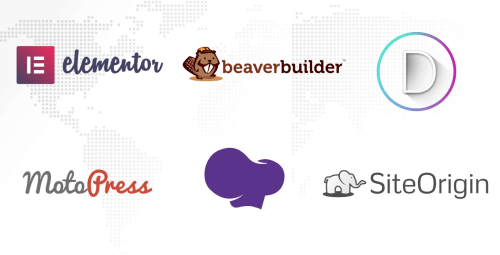
Elementor is a Page Builder (page builder plugin). What is a page builder? Simply put, it's a tool that helps you design website pages. You don't need to know how to code; as long as you use the builder to create the framework, the builder will automatically generate the corresponding code for you, making it very suitable for novice users.

There are many page builders. Themes that have been sold on Themeforest for some years mostly use WPBakery Page Builder (which has a steeper learning curve for beginners). Themes that react quickly have now also released Elementor versions. Some popular themes like Avada have their own page builders. Unless the theme sales are very high, do not consider themes with built-in builders. (Divi also has its own builder) Normally, it is recommended to use only one page builder (Page Builder) per theme. After Naiba has been exposed to so many builders, Elementor is recommended. The free version's features are sufficient, and Elementor's ecosystem is relatively strong, with many extension plugins available. The WPBakery Page Builder has a relatively high learning curve for beginners, with a higher learning cost. Unless the theme particularly attracts you, it is not recommended to use it. Moreover, this builder is paid (it can be bundled with themes for free use, but cannot be upgraded).
5. Understand the level of after-sales support
Most themes only support ticket and email after-sales support. Although they may not answer very technical questions, they will carefully answer your questions about theme settings. There is relatively little discussion about foreign trade website theme templates domestically, so after encountering problems, contacting after-sales via email is the fastest way to solve them. Additionally, if the theme purchase includes lifetime upgrades, that is best. Because as WordPress versions update, early theme code may also need updates. If the theme cannot be updated, you would have to spend money to purchase a license again.
WordPress foreign trade theme template recommendations
Having said so much, which themes does Naiba recommend for foreign trade? Below is a list of themes worth purchasing.
Top 10 best-selling themes on Themeforest

Avada
Advantages:From 2012 to now, 8 years of technical accumulation, number one in sales on Themeforest, it's impossible to say it has no advantages. Large user base, so the theme's functions consider the needs of most users, with rich support documentation and videos.
Disadvantages:Also, because it needs to cater to the needs of most users, you must accept some code generated by features you don't use, making the theme relatively complex and bloated.
Demo Address 
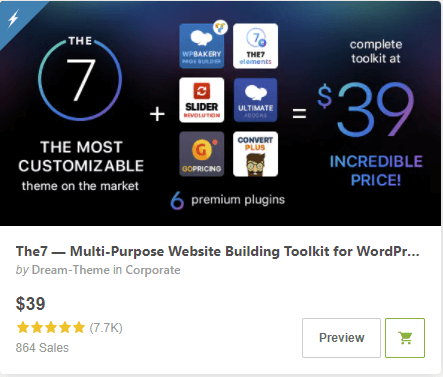
The7
The7 is a theme launched in 2011, earlier than Avada, but its sales are not as high as Avada's, and the price is relatively cheap, only $39.
Advantages:Cheap price, high sales, many built-in Demos, and the new version of the theme also supports Elementor.
Disadvantages:Many features lead to relatively complex settings.

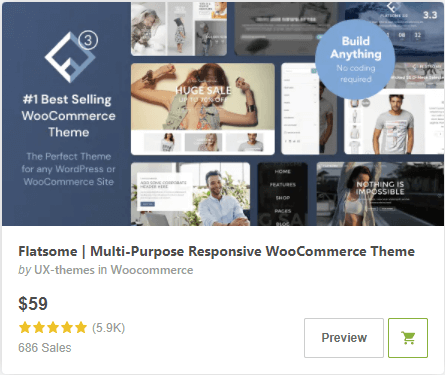
Flatsome
Advantages:Number one in sales on Themeforest for WooCommerce e-commerce themes. As an e-commerce website, it can easily start business.
Disadvantages:Uses the theme's built-in builder, with many settings, requiring time to become familiar.
Demo Address 
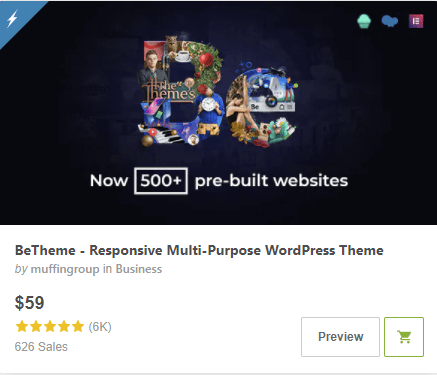
BeTheme
Comes with a huge number of Demos and modules. The new version supports Elementor and WPBakery Page Builder. The installation package for the new version has become smaller, more streamlined compared to the old version, but the theme settings are still relatively complex.
Demo Address 
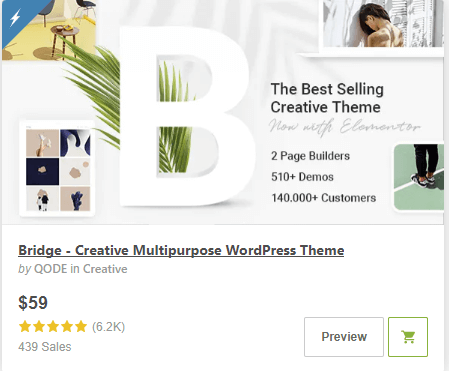
Bridge
Naiba hasn't had much contact with this Bridge theme. Looking at the introduction, it has many functions and Demos. Similarly, such themes have complex settings and require time to study.
Demo AddressThemeforest Top 6-10 Popular Themes
Enfold is also quite popular among domestic users. Its built-in demo styles are relatively old-fashioned, possibly leaning more towards traditional enterprises. Porto is a WooCommerce Theme, but the user experience doesn't feel great. Choosing
WoodMartmight be a better option.
Popular self-operated WordPress themes
Selling themes on platforms like Themeforest requires paying platform fees, so some capable teams have started selling themes on their own websites. Naibabiji previously deliberated for a long time between themes like Astra, Divi, OceanWP, and GeneratePress, and ultimately chose Astra.

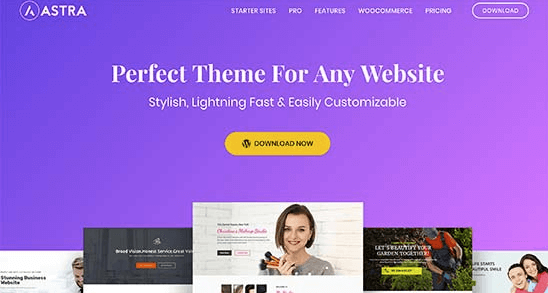
Astra
The theme currently used by Naibabiji, compatible with multiple different builders.
Advantages:Compact, fast, not bloated. Built-in powerful yet not overly complex theme settings options, with well-prepared hooks, making it easy to insert content you want to display anywhere on the website.
Disadvantages:The built-in demo styles are relatively uniform, so you might not find a demo directly suitable for your industry to apply. Expensive, $47/year, $249 for a lifetime, and even more expensive with the accompanying plugins. However, you can consider directly
purchasing a lifetime license from Naiba。
Demo Address 
Divi
Divi is a strong competitor to Astra, also a very popular theme. The main reason Naiba didn't choose it is because Divi uses its own built-in page builder. Although its features are also powerful, considering long-term operations, using an open builder ecosystem like Elementor might be more robust.
Demo Address 
OceanWP
OceanWP, like Astra, has a free version. You can search and install it directly from the WordPress Admin Dashboard. It's also a relatively lightweight theme, with a premium version starting at $29. Looking at the official website introduction, it seems to have fewer features than Astra.
Demo Address 
GeneratePress
Another lightweight WordPress Theme, $50 for one, unlimited website use.
Demo AddressWordPress foreign trade template installation method
After purchasing a desired WordPress Foreign Trade Independent Website theme, how do you install it on your website and import the desired demo data? The method is as follows:
1. Download the theme zip package from the website where you purchased the theme.Here, it's necessary to distinguish. For themes purchased on Themeforest, there are choices when downloading; it's recommended to download all files.

After downloading, extract the package. It contains the theme, plugins, documentation, etc. If the theme requires activation, download the last License text file, then enter the key inside to activate it.
Refer to the tutorial. For themes like Astra, advanced features are usually implemented through plugins. So, you can directly search for and install the free version of the theme from the WordPress Admin Dashboard, then upload the pro plugin to activate the advanced features.
2. Upload and install the theme installation package from the WordPress Admin Dashboard. 3. Find the Demo area in the theme settings, then import the demo content. 4. Modify the demo data and fill in your own website content.Related Articles
Comments are closed
The comment function for this article is closed. If you have any questions, please feel free to contact us through other channels.